ILLUSION2BEAM
Flat wood.
Deep illusion.
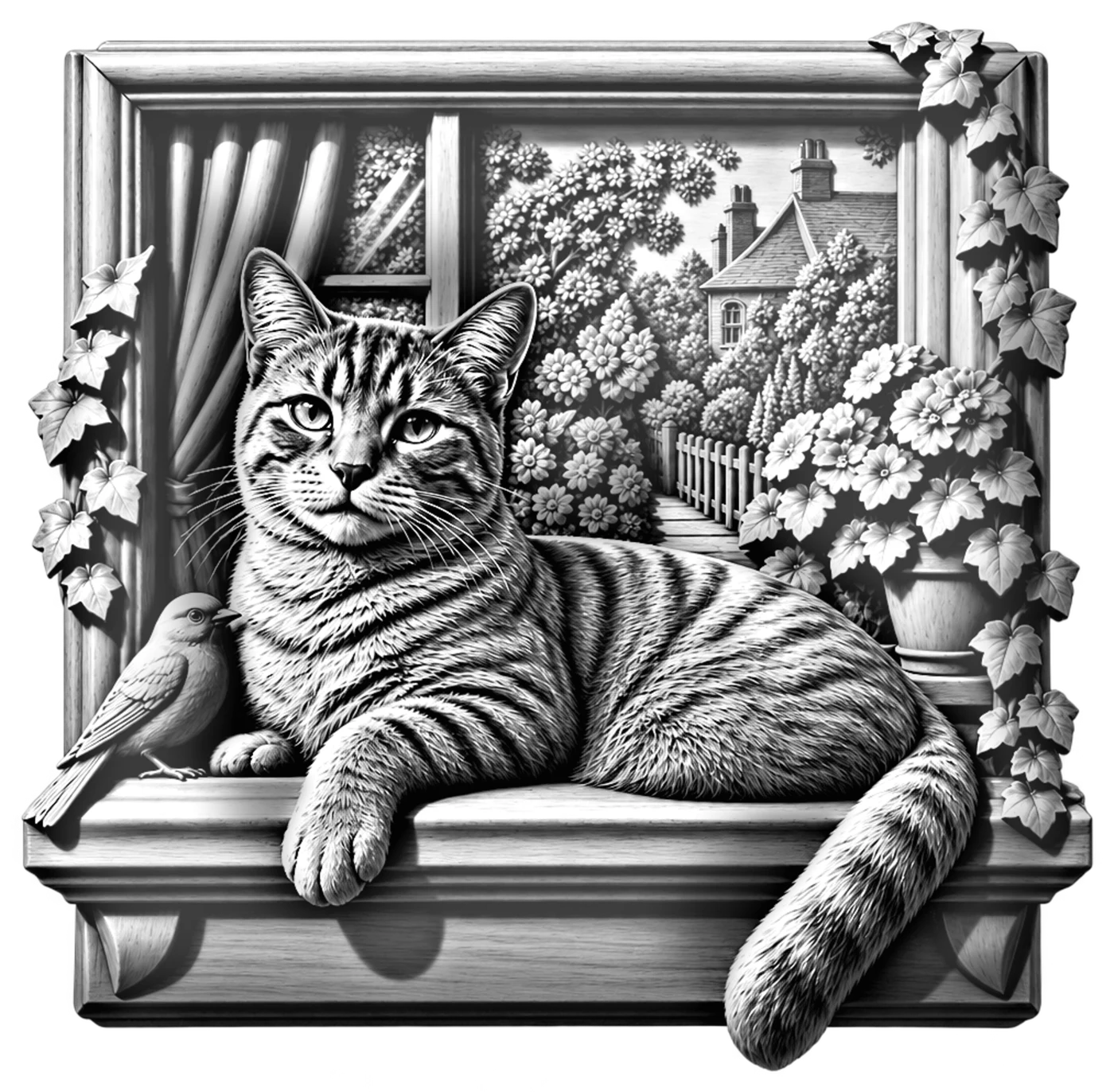
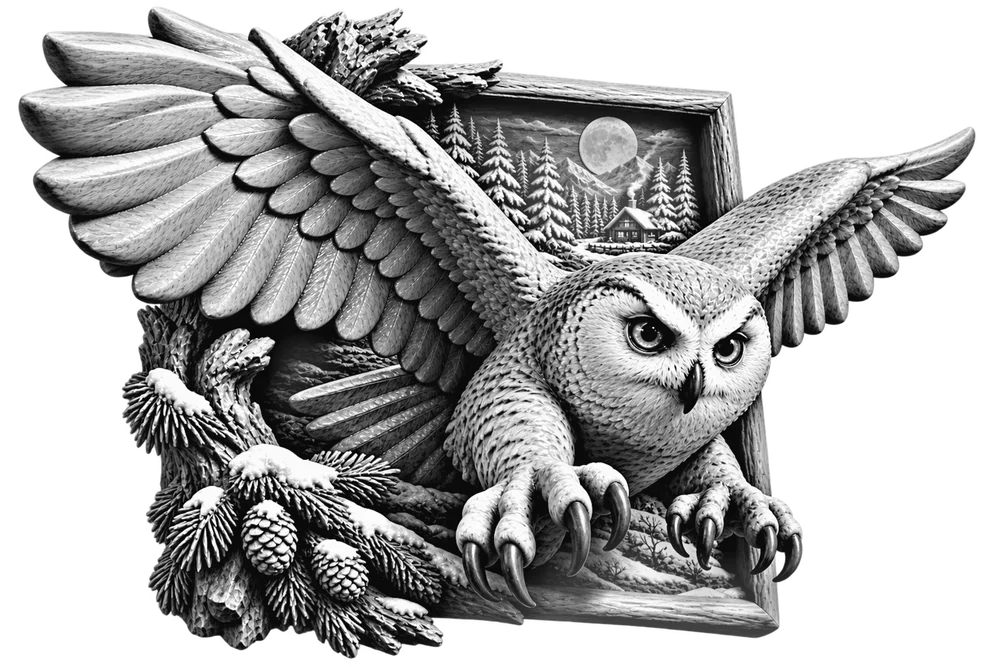
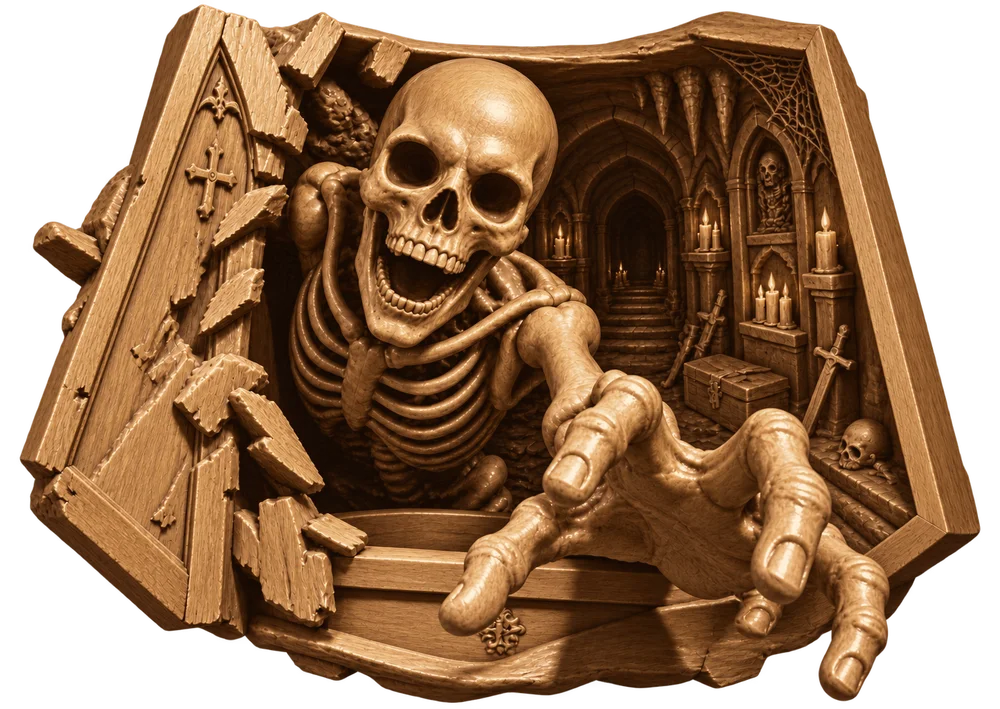
Describe a scene and watch the subject push toward the viewer. Perspective, light and cast shadows create the depth; an engraving-ready grayscale file, auto-tuned for depth and contrast, and a matching cut line carry that illusion to your laser.
Looking for depth maps and reliefs? Explore Depth2Beam → · Need to prepare a photo or artwork? Explore Image2Beam →
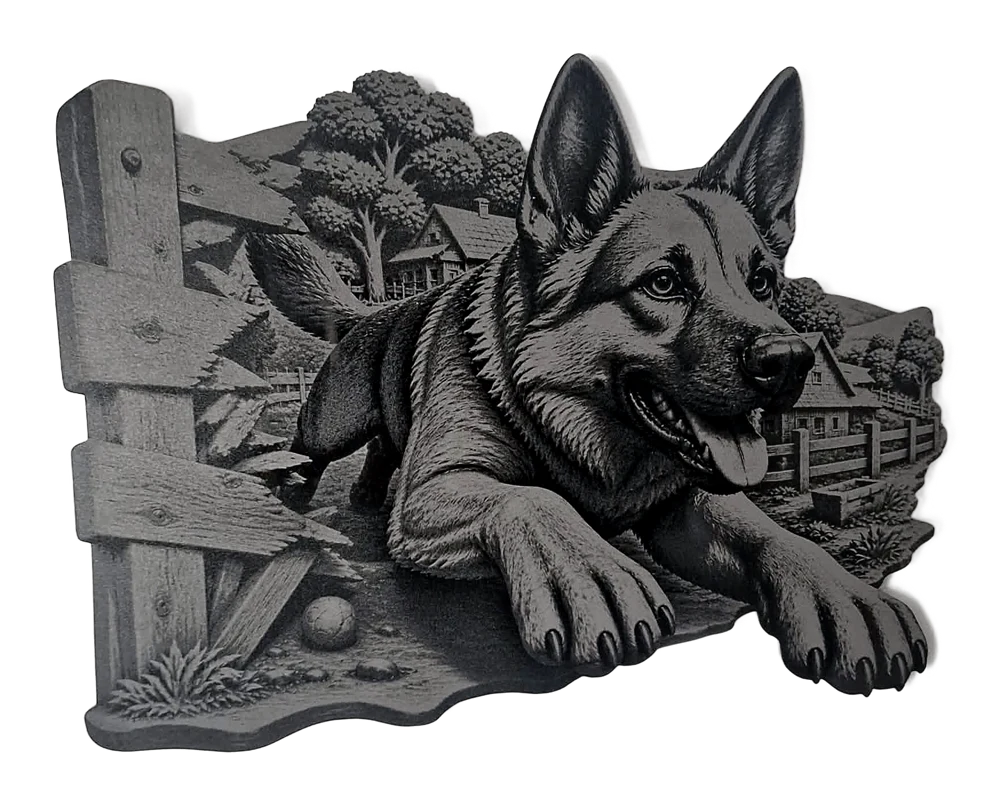
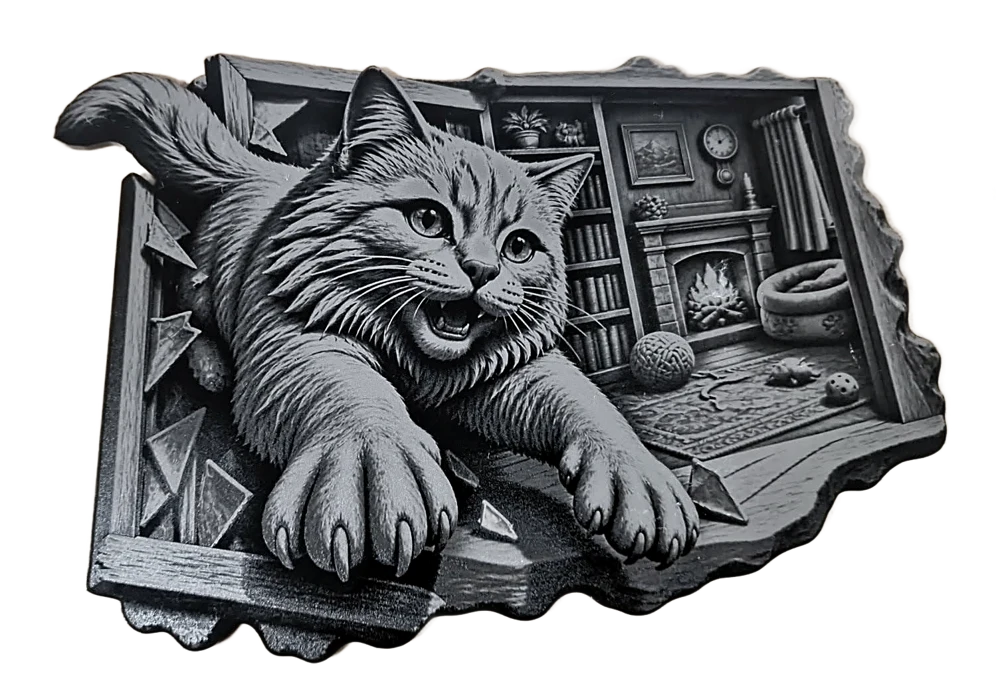
Same illusion. Two ways to see it.
Watch three looks shift from dimensional artwork to the grayscale file your laser reads. Full color, warm wood and light wood are preview options; the finished engravings appear below.
Build a scene that breaks the surface.
Start with a scene. Shape the pop-out effect. Send a grayscale illusion to the laser.
Describe the scene
Choose 3D wood art or a square or round slate coaster, then type what should appear to emerge, or start with a suggested idea.
Choose the breakout
Compare four free concepts. Pick breakout, framed, open scene or diorama, with an optional extreme pop-out angle.
Shape the depth
Preview the carved look, upgrade to HD for the sharpest detail, then tune shadow depth, the main subject and background fade.
Engrave and cut
Download the auto-tuned grayscale PNG or BMP, then dial in power for your own laser and wood with a quick test. The cut-out ZIP includes a matching SVG outline.
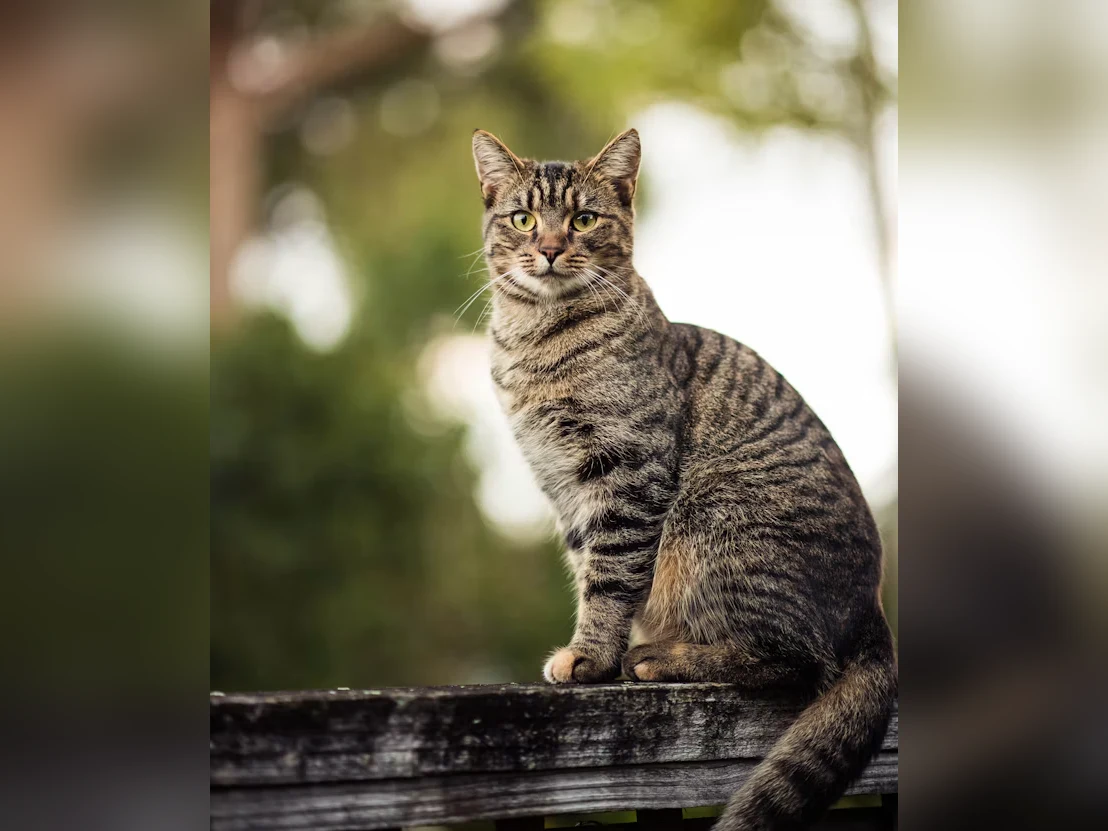
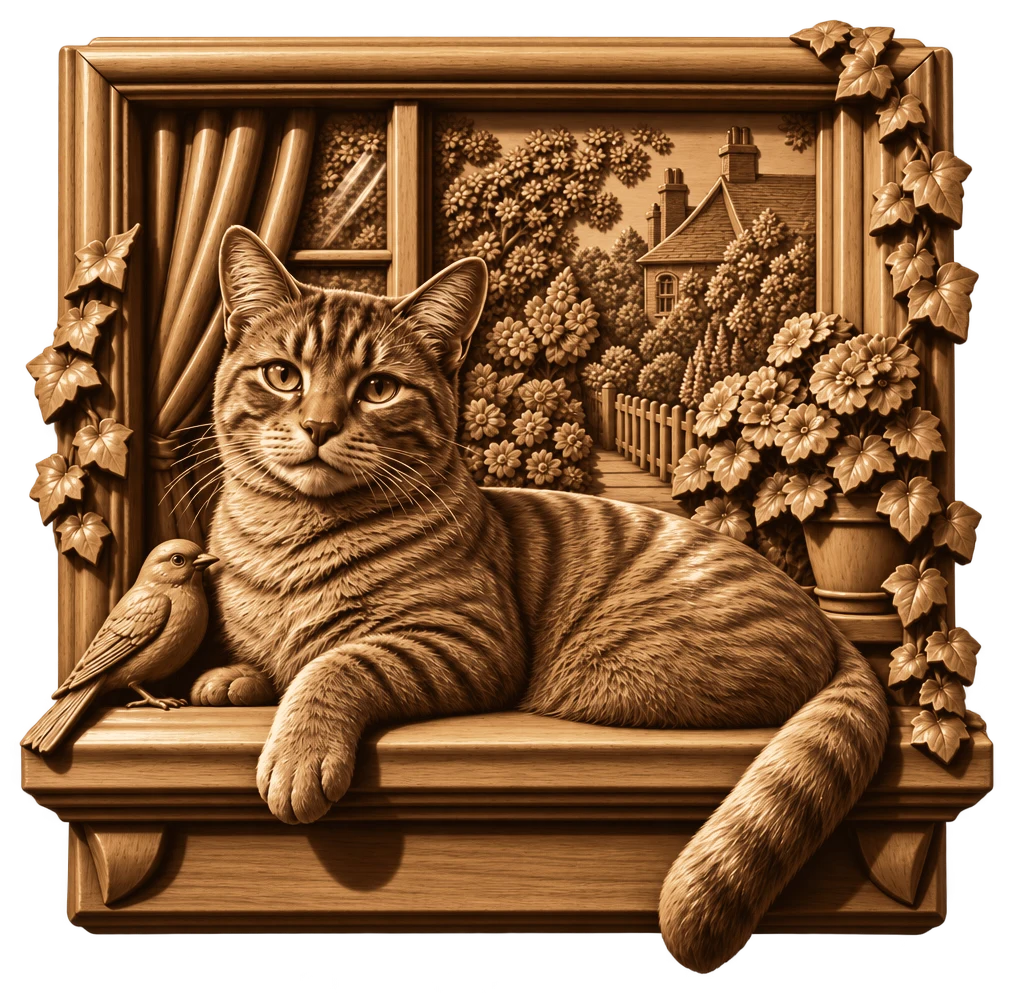
Your pet, carved in 3D.
Add a photo of your pet, describe the scene, and Illusion2Beam carves it into a 3D illusion and makes the laser-ready grayscale file. Select any image to inspect the detail.

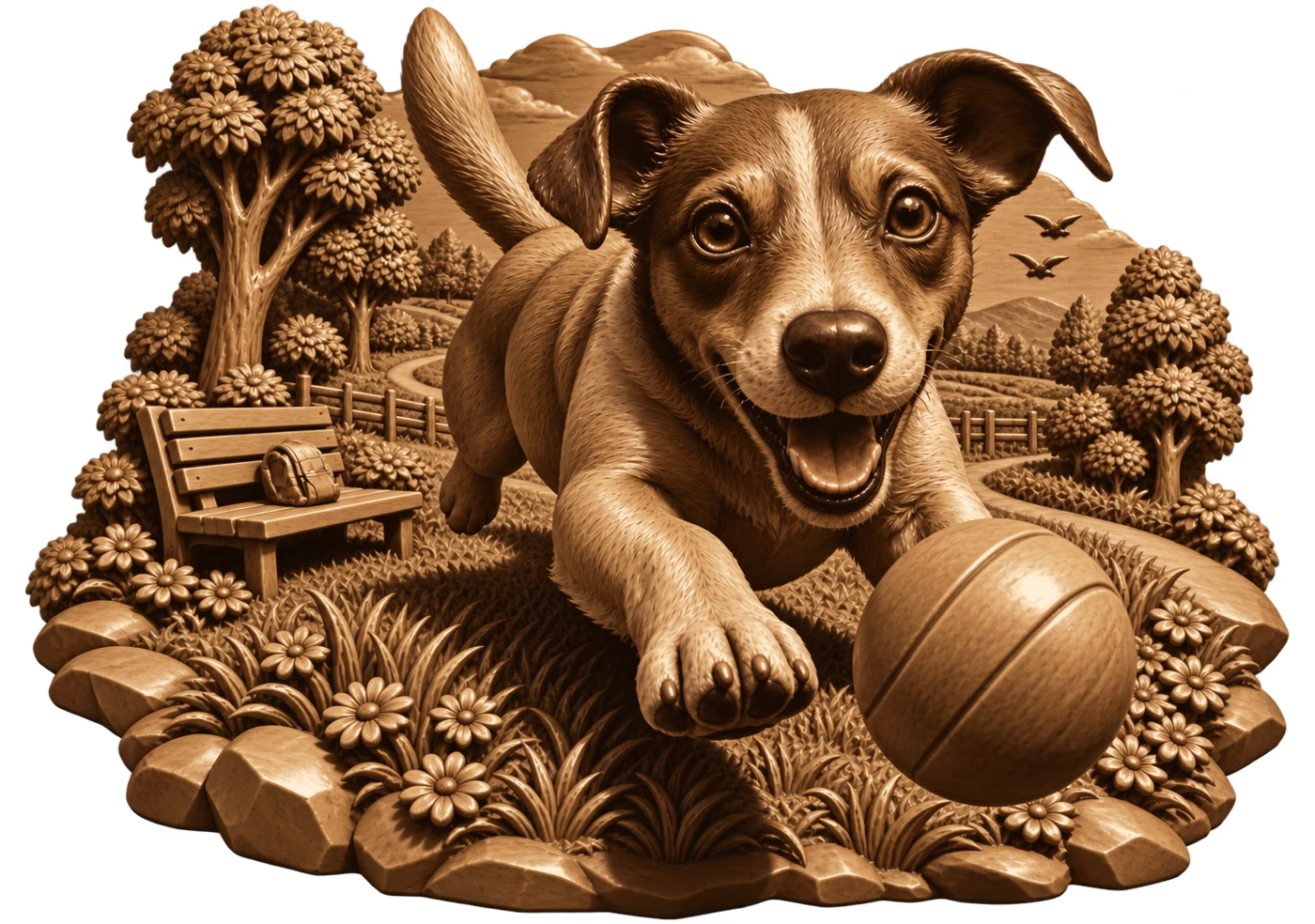
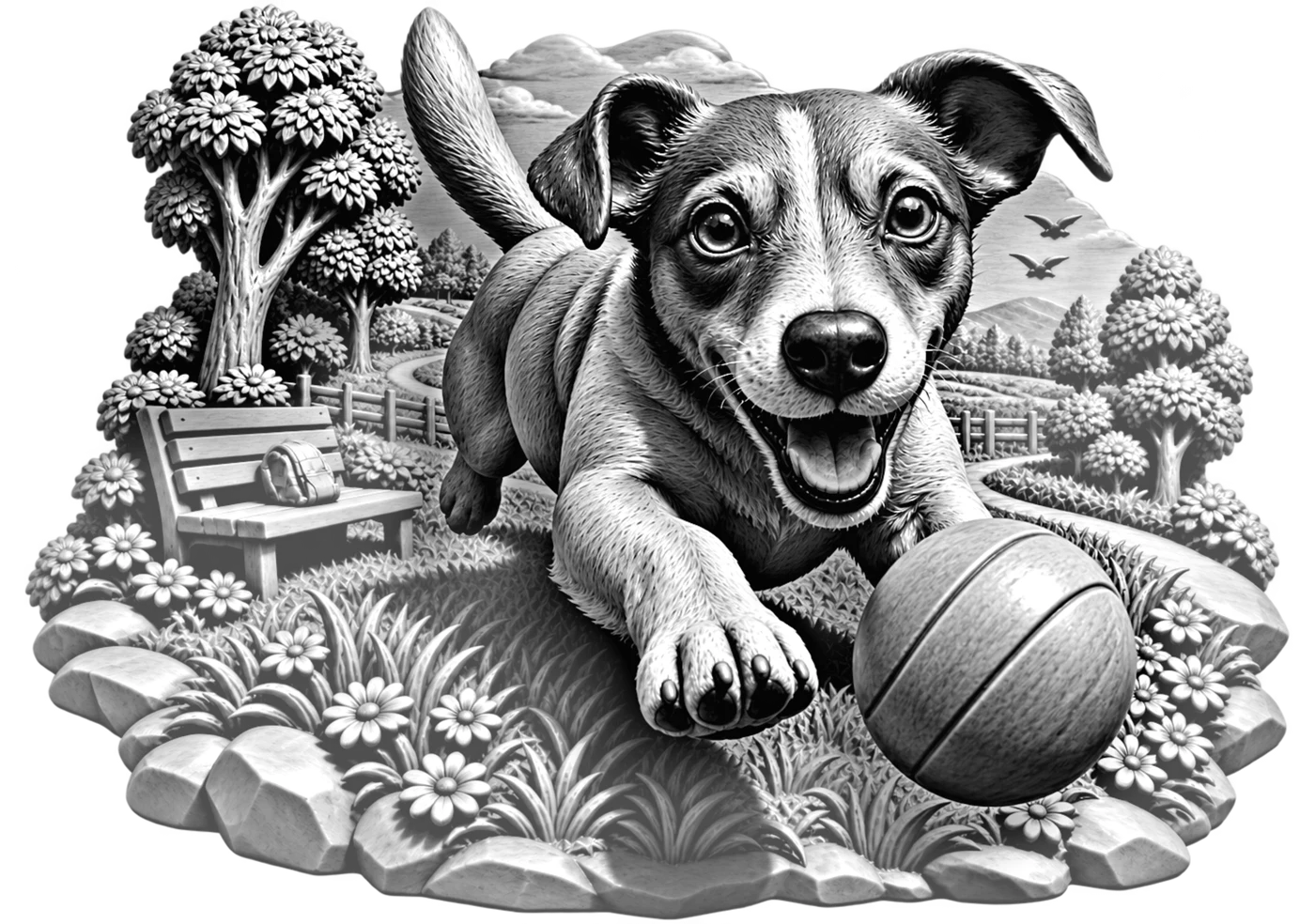
Put a name on it.
Type a name in Name on the design and Illusion2Beam carves it into a banner across the bottom, in the same wood as the rest of the scene. Add a second line for a date or a place. It's optional, so leave it blank for no banner. Names make it personal: your pet, your family, your hometown, a trip you'll never forget. Select any image to see the detail.
Places, landmarks and pets
Your hometown, a favorite vacation, where you got married, a ballpark or a racetrack. Name a few landmarks and it builds the scene. For pets, add their name and years for a keepsake or memorial.
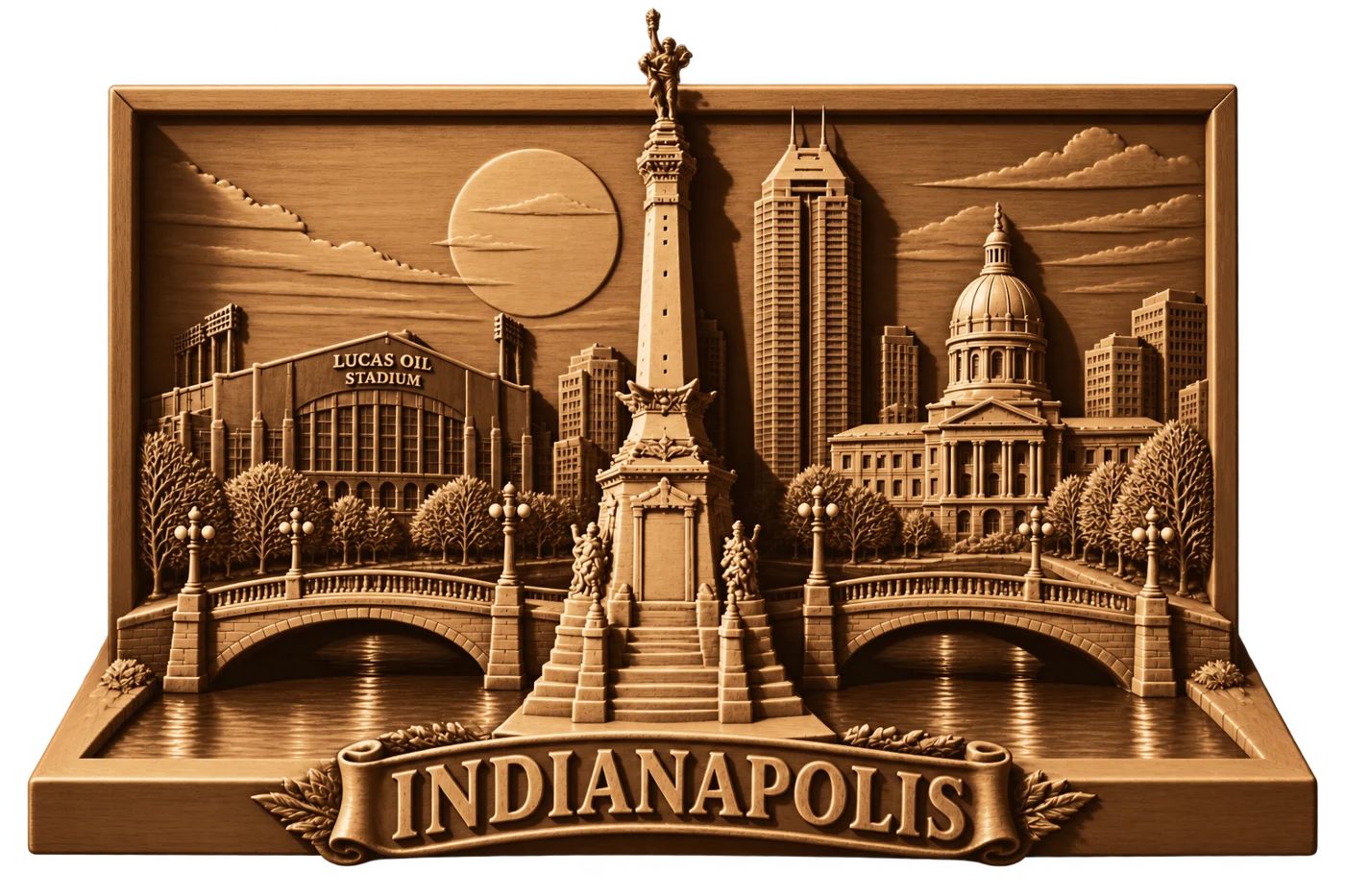
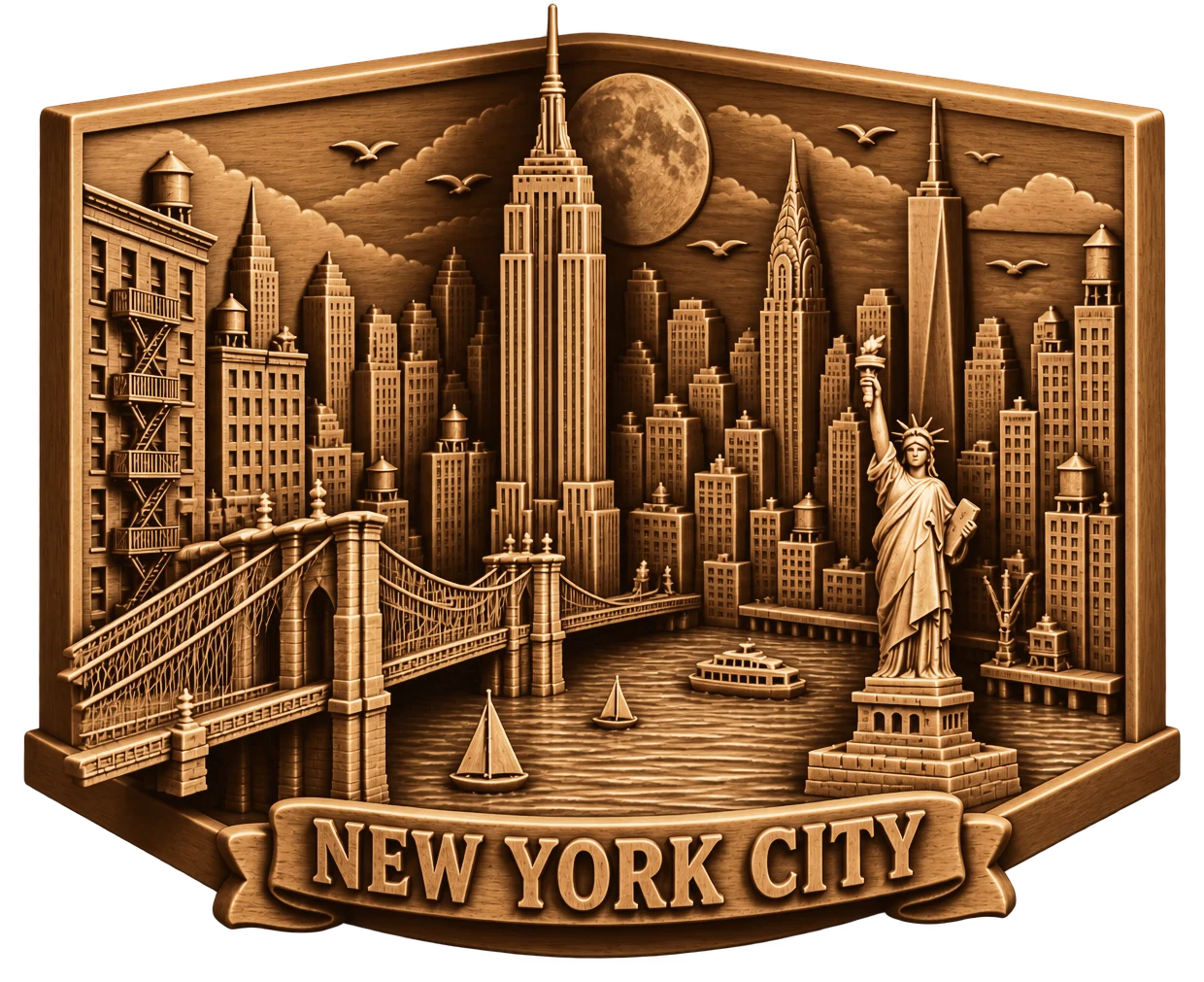
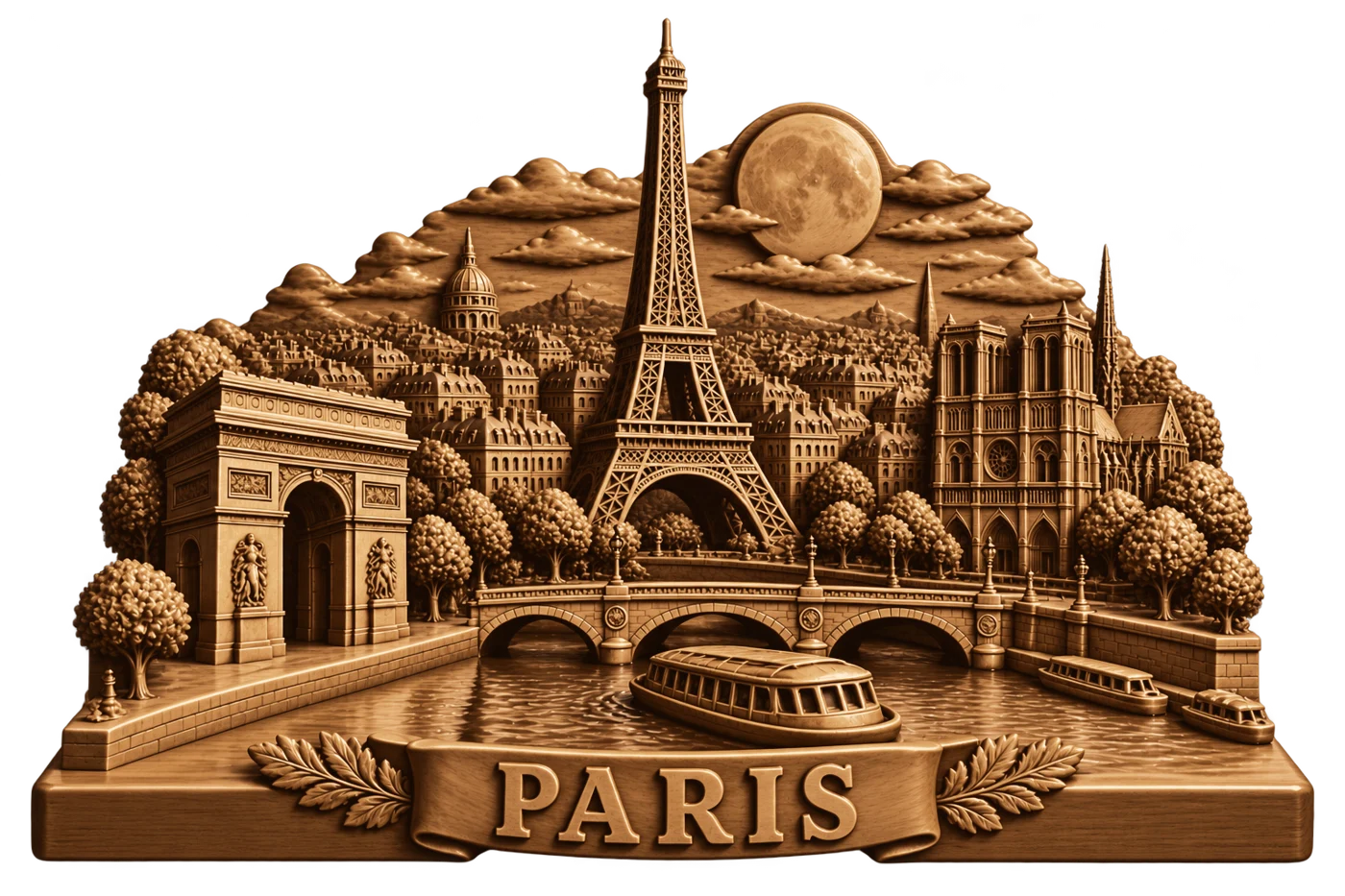
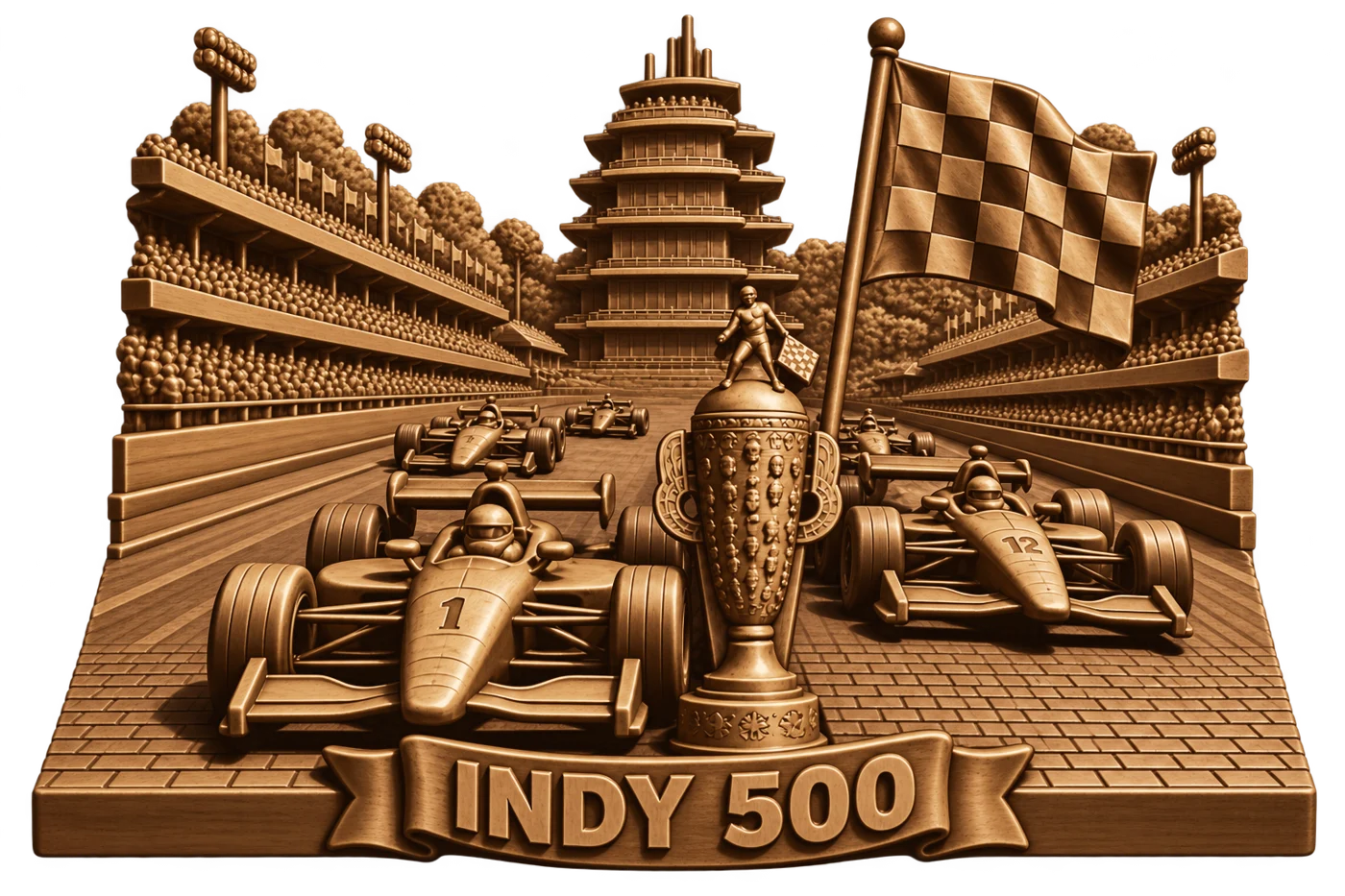
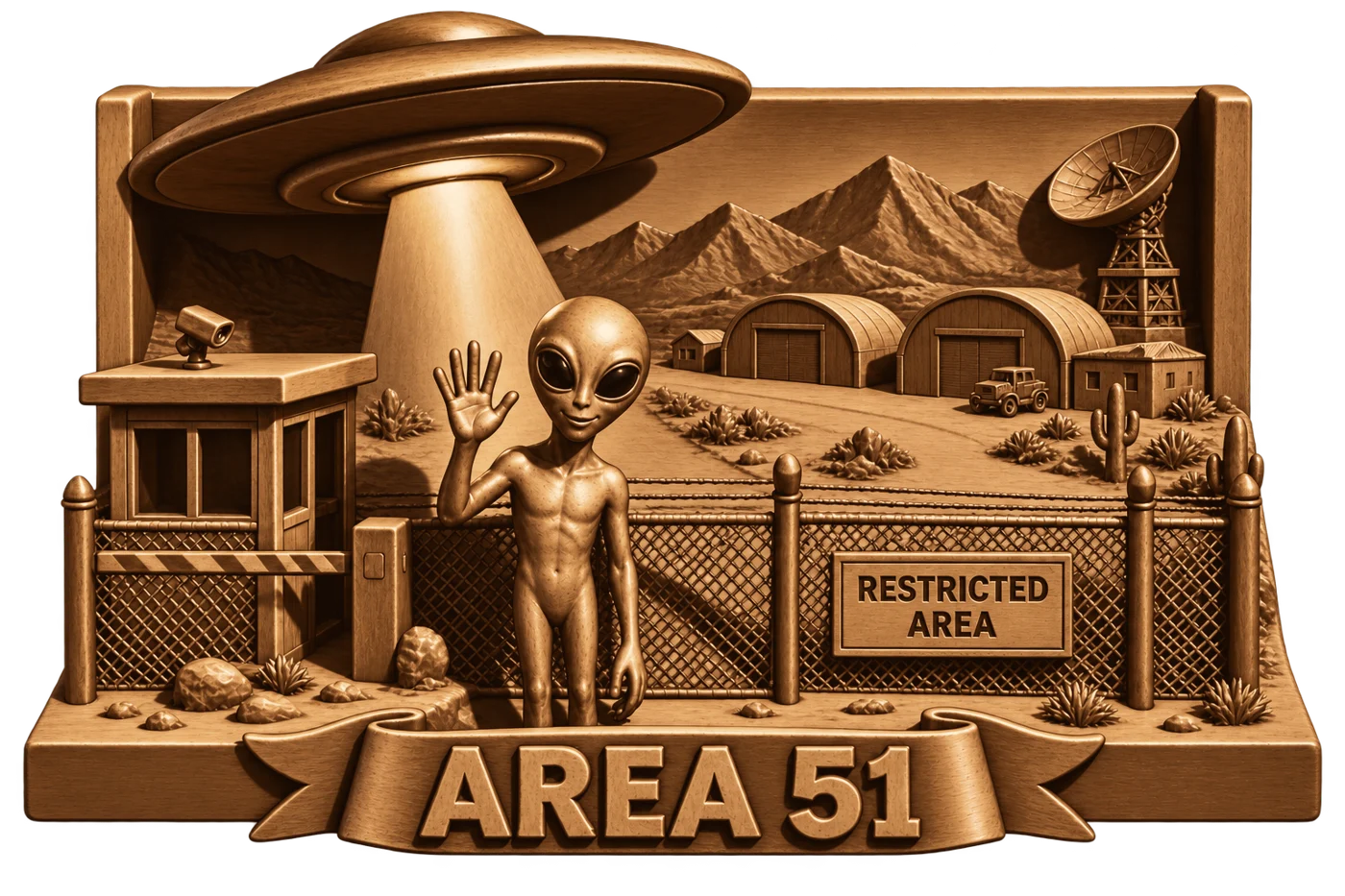
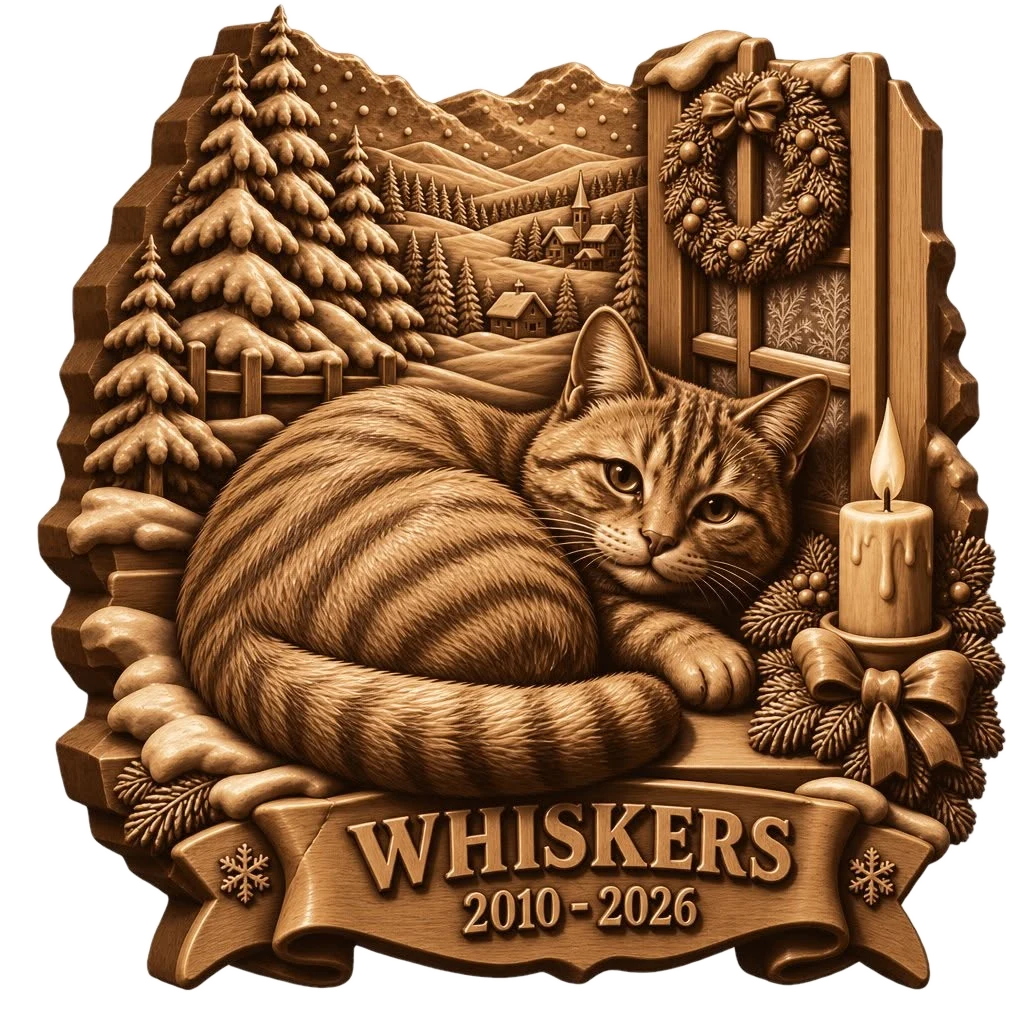
Settings: 3D Wood Art · Your scene · Diorama · Wide, then type the name. Not sure of the landmarks? Ask Claude or ChatGPT to fill in this format for your place. Keep it short so it fits the prompt box.
If you can describe it, Illusion2Beam can carve it.
Places, pets, signs, milestones, holidays and a few just for laughs. Copy any prompt below, paste it into Illusion2Beam, change the details to make it yours, and put the name in the Name box. Use 3D Wood Art and Your scene.
Your hometown
Any city or landmark. Name three or four spots.
3D carved diorama of Nashville, straight on: the Batman Building tall in the center, the Ryman on one side, the riverfront on the other, a bridge in front, full moon behind, deep layered depthA pet keepsake
Describe the pet and a cozy scene. Add years for a memorial.
3D carved scene of a golden retriever resting on a porch step, a dog bowl and ball beside him, a fence and flower garden behind, warm sunset, deep layered depthGarage and shop signs
A sign for someone's own space.
3D carved scene of a classic pickup truck in an old garage, a workbench and hanging tools on the wall, an oil can and tire in front, deep layered depthSmall business signs
A storefront scene with the shop name.
3D carved scene of a cozy bakery storefront, loaves of bread and a cake in the window, a striped awning, flower pots by the door, deep layered depthBirths, weddings, retirements
Mark the day with a scene and a date.
3D carved scene of a baby's nursery, a crib with a teddy bear, stars and a crescent moon above, a rocking chair and toy blocks in front, deep layered depthThe North Pole
Seasonal scenes for every holiday.
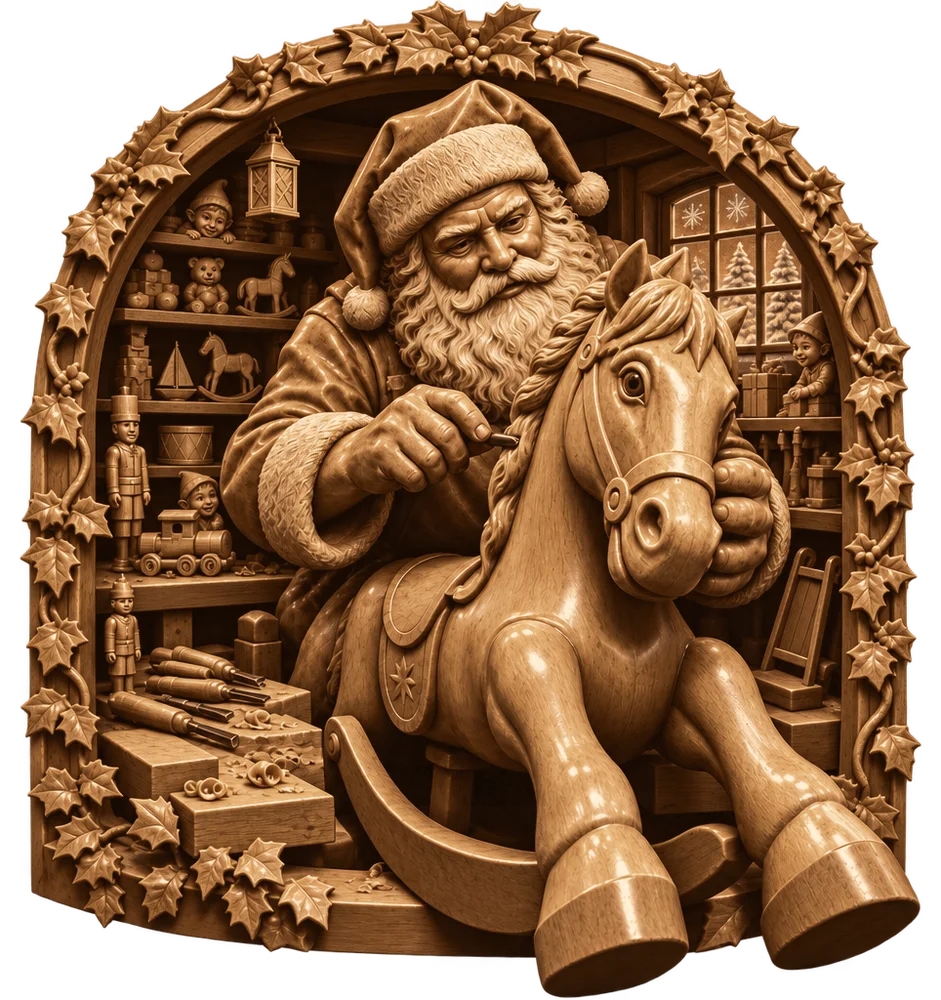
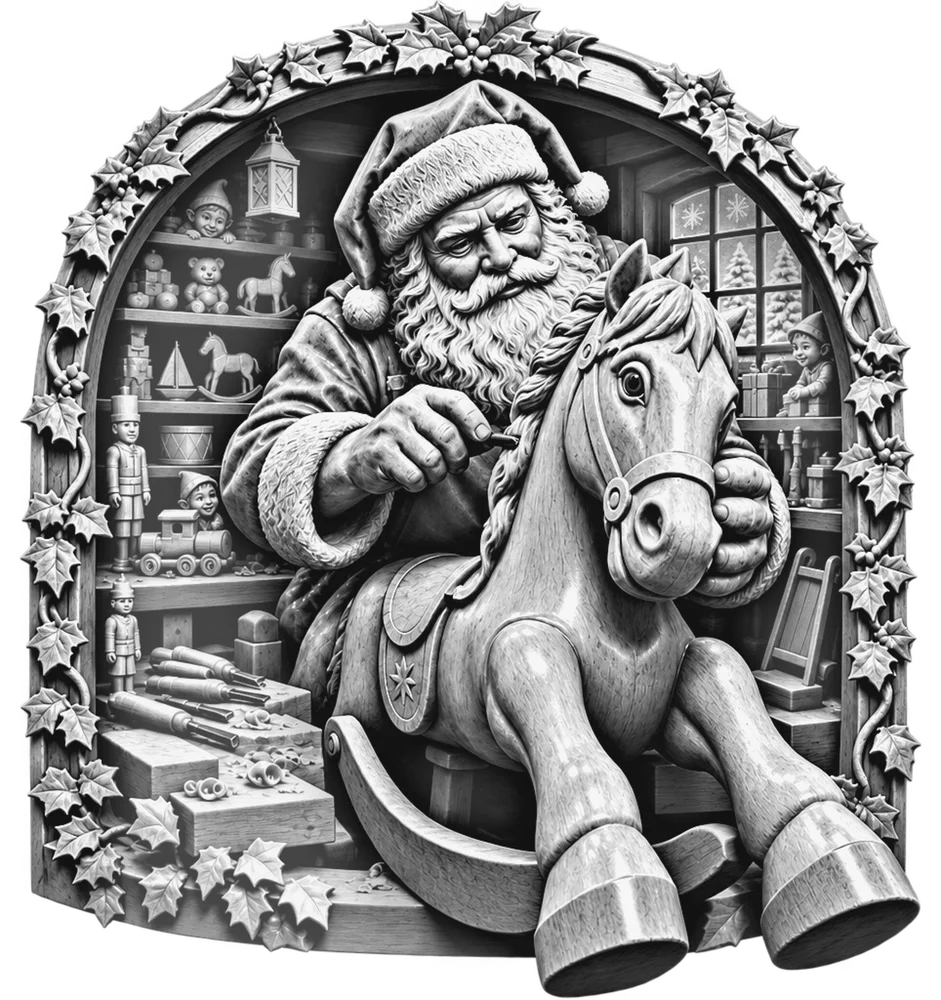
3D carved diorama of the North Pole, straight on: Santa's workshop in the center, the striped North Pole sign in front, reindeer on one side, a sleigh full of gifts on the other, snowy hills behind, deep layered depthMilitary and first responders
Honor a branch, a unit or a station.
3D carved scene of an Army base gate with a flag flying high, a jeep and soldiers saluting in front, barracks and a water tower behind, deep layered depthFunny famous places
Area 51, Bigfoot country, Loch Ness.
3D carved scene of Bigfoot waving from the pine trees, a Bigfoot Crossing sign in front, a log cabin and mountains behind, full moon, deep layered depthWant 63 more? The free Places & Landmarks Prompt Pack has cities, national parks, ballparks, legends, military and holiday places, each with a name for the banner. It's in the Files section of our Facebook group.
Join the group for the free prompt packCoasters that look carved in stone.
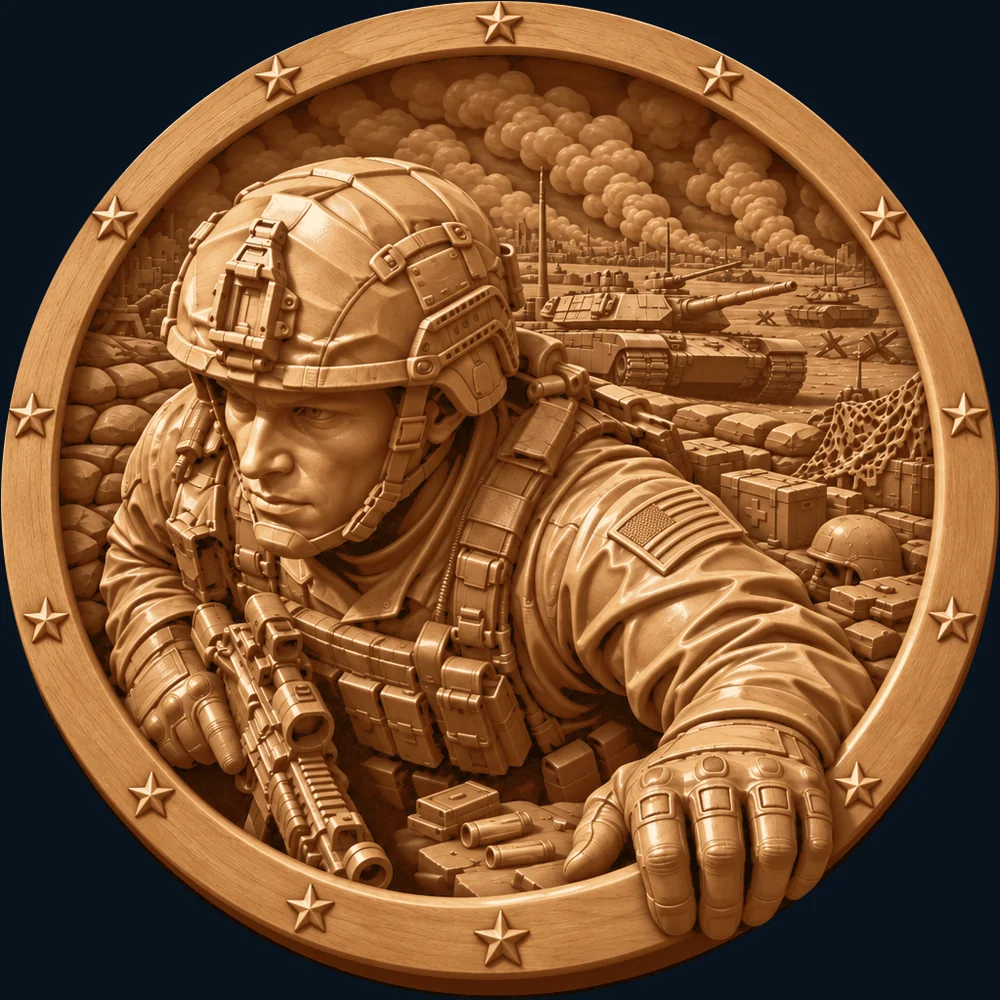
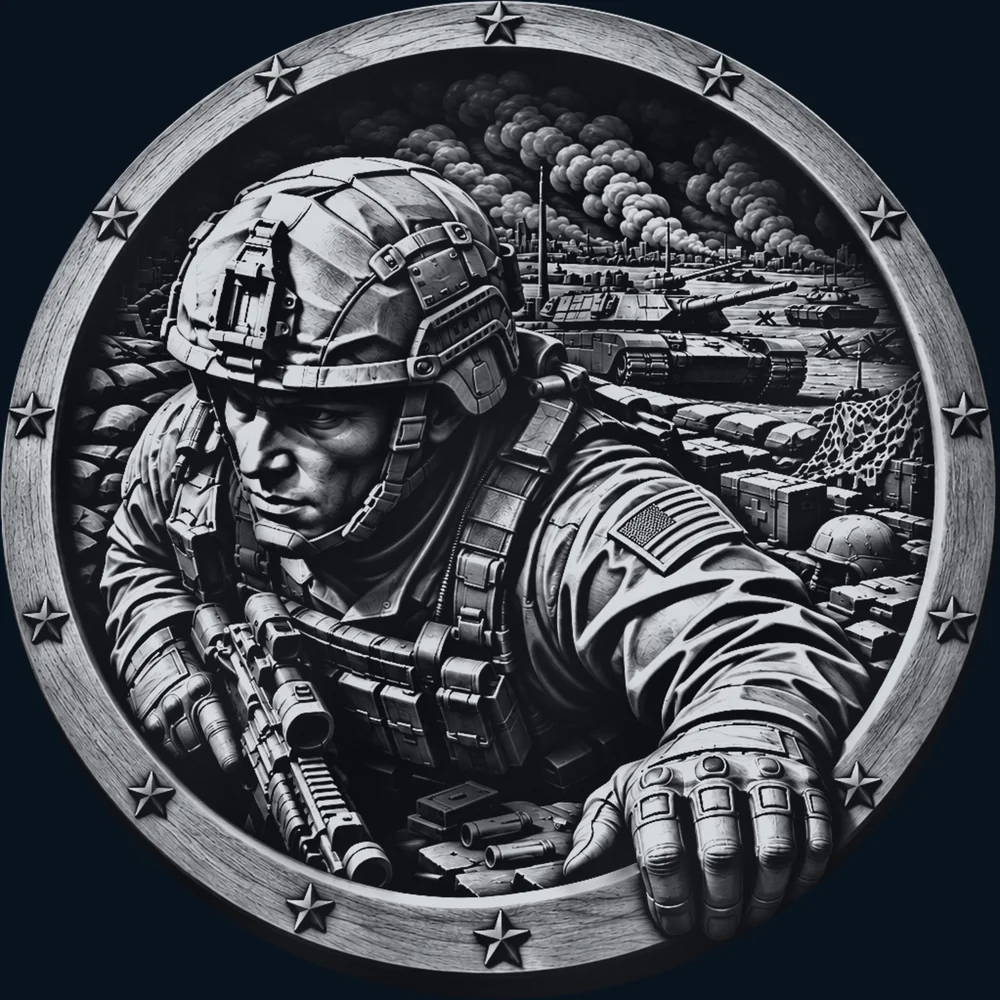
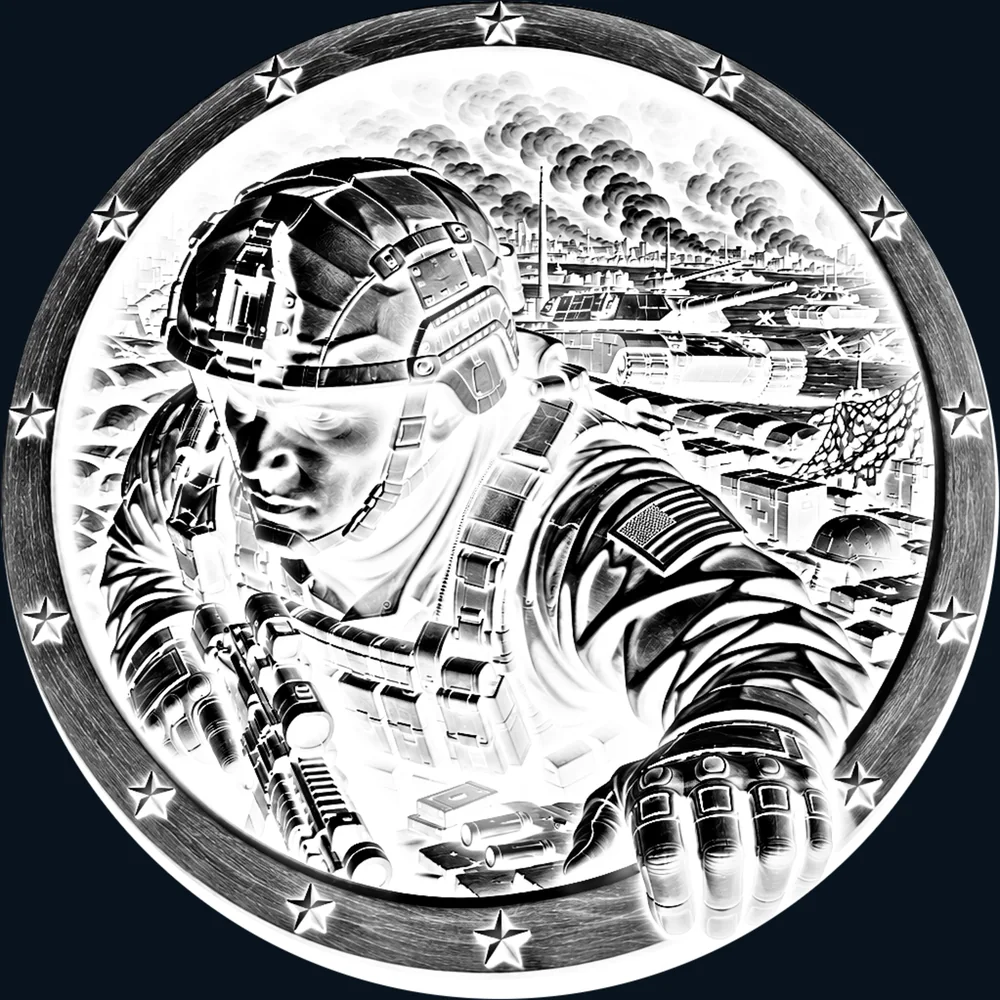
Pick Square or Round slate coaster before you type your idea. Every design fills the coaster edge to edge, with the subject leaning out of a deep carved frame. The laser file is already inverted for slate, and the slate preview shows how it will look on the stone before you burn it. Select any image to inspect the detail.
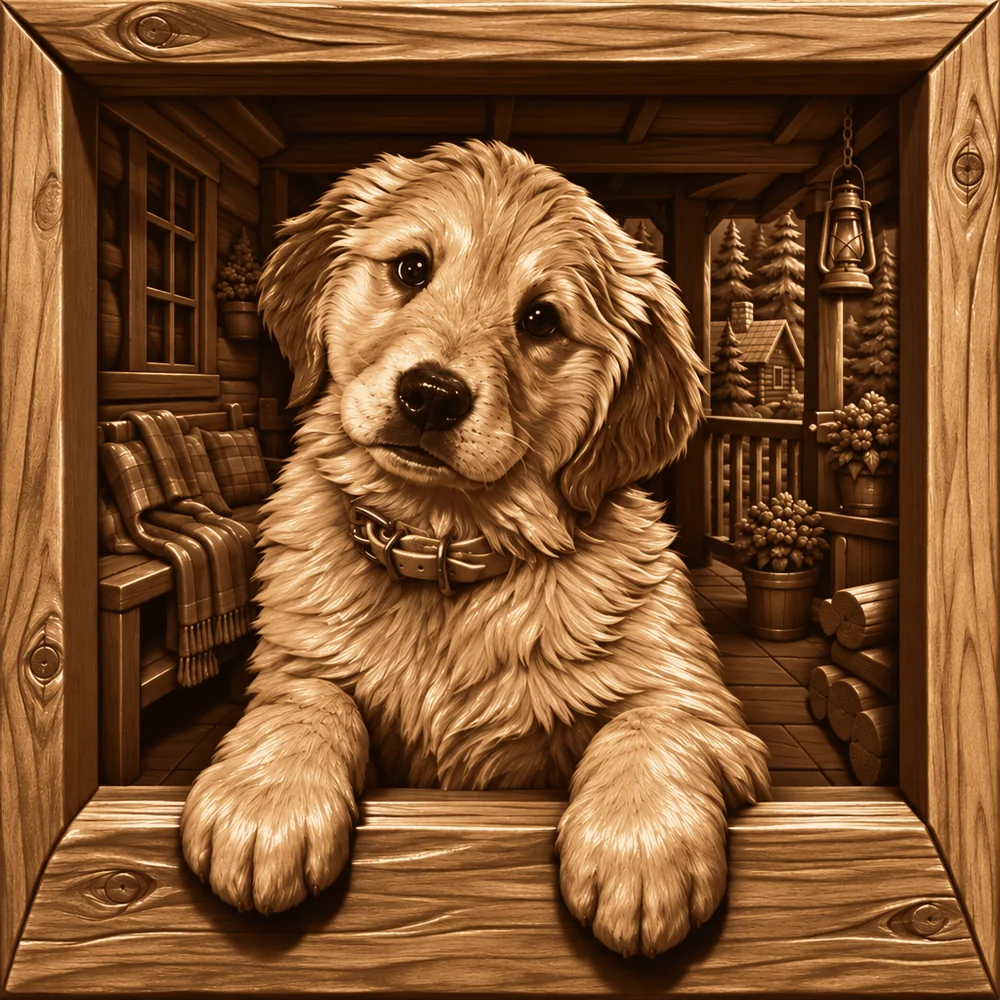
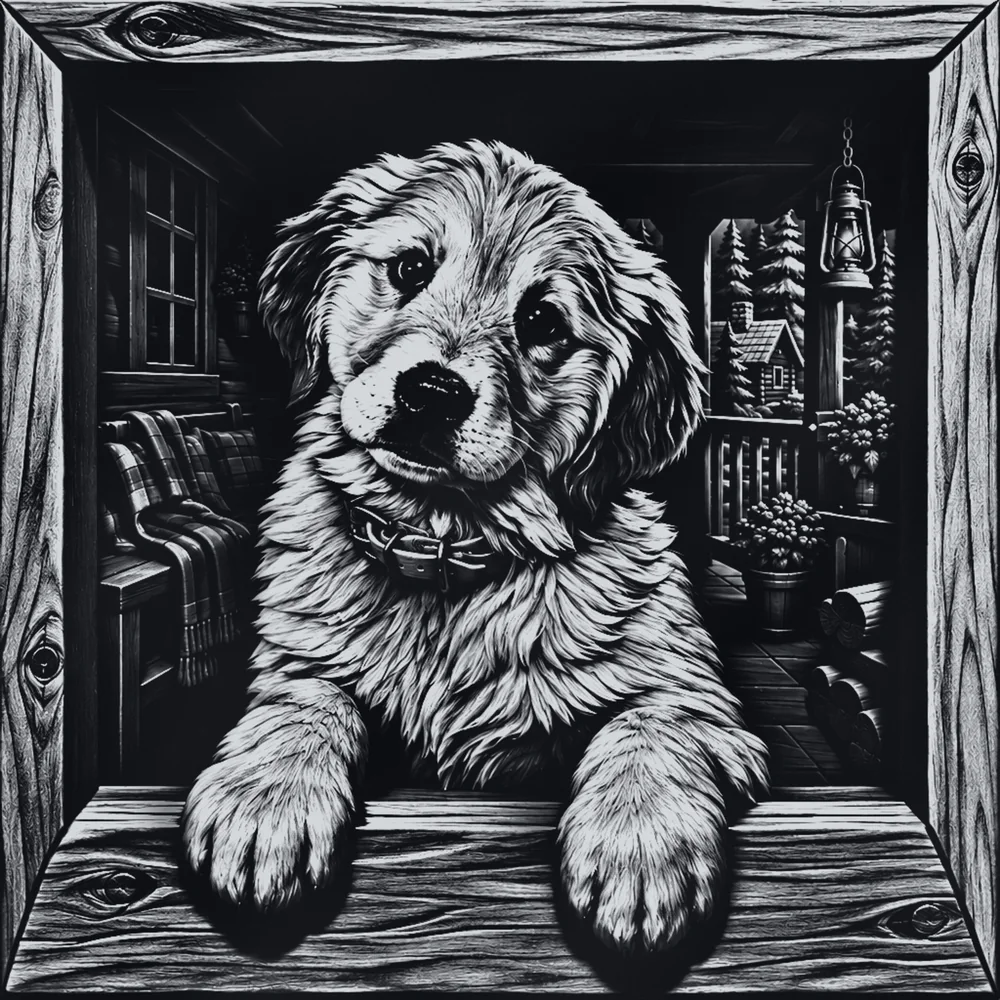
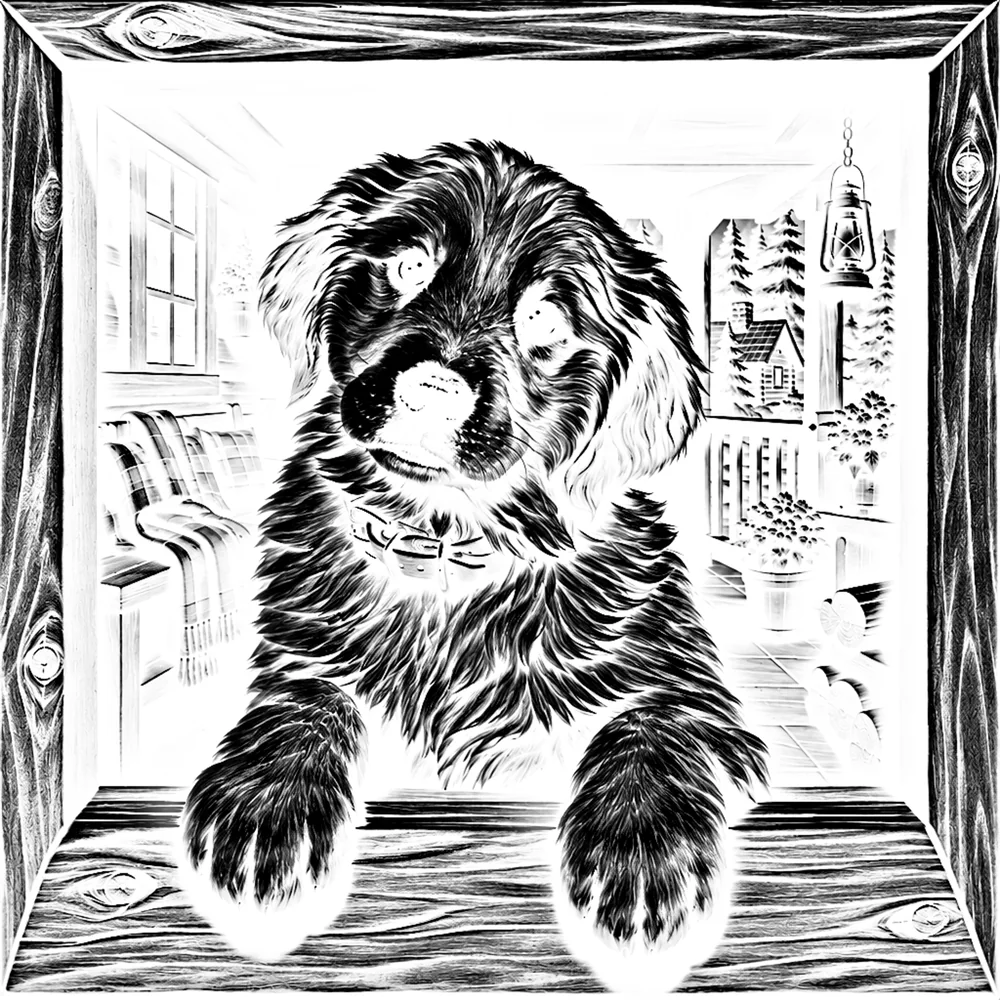
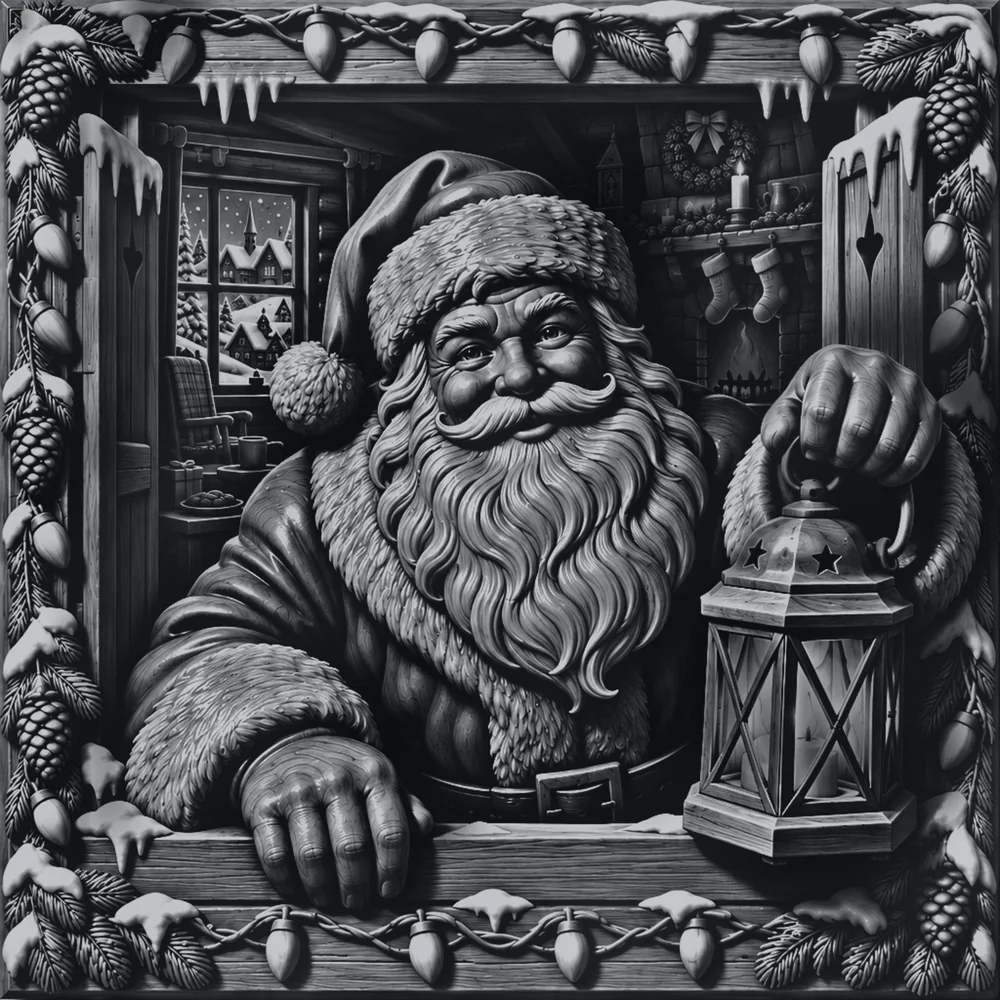
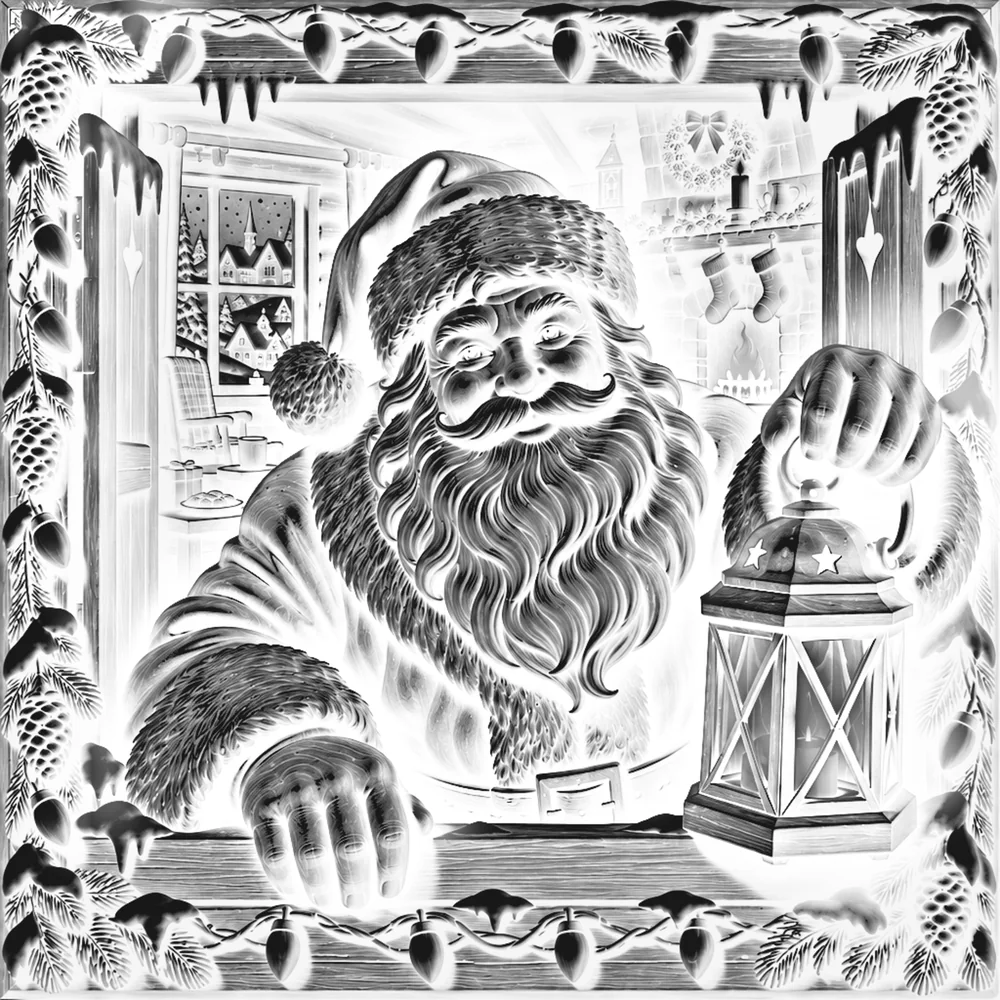
From the app straight to the stone.
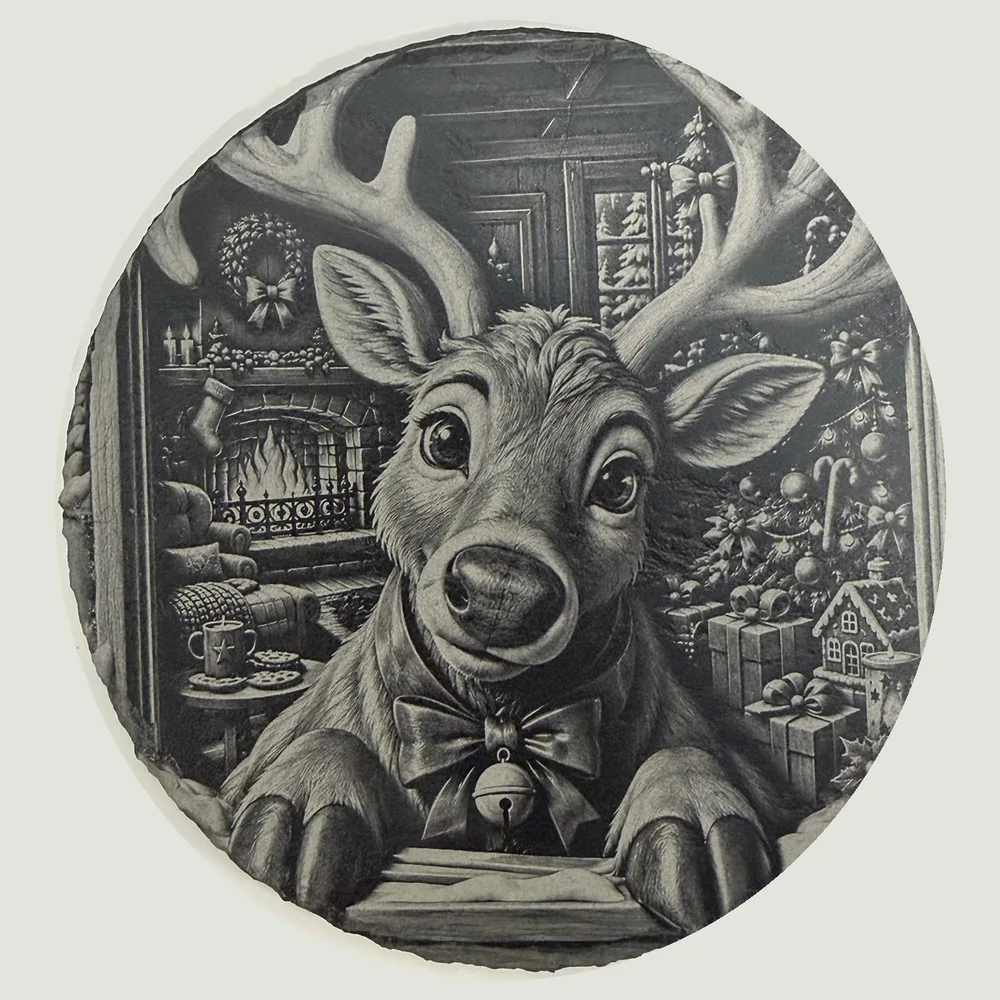
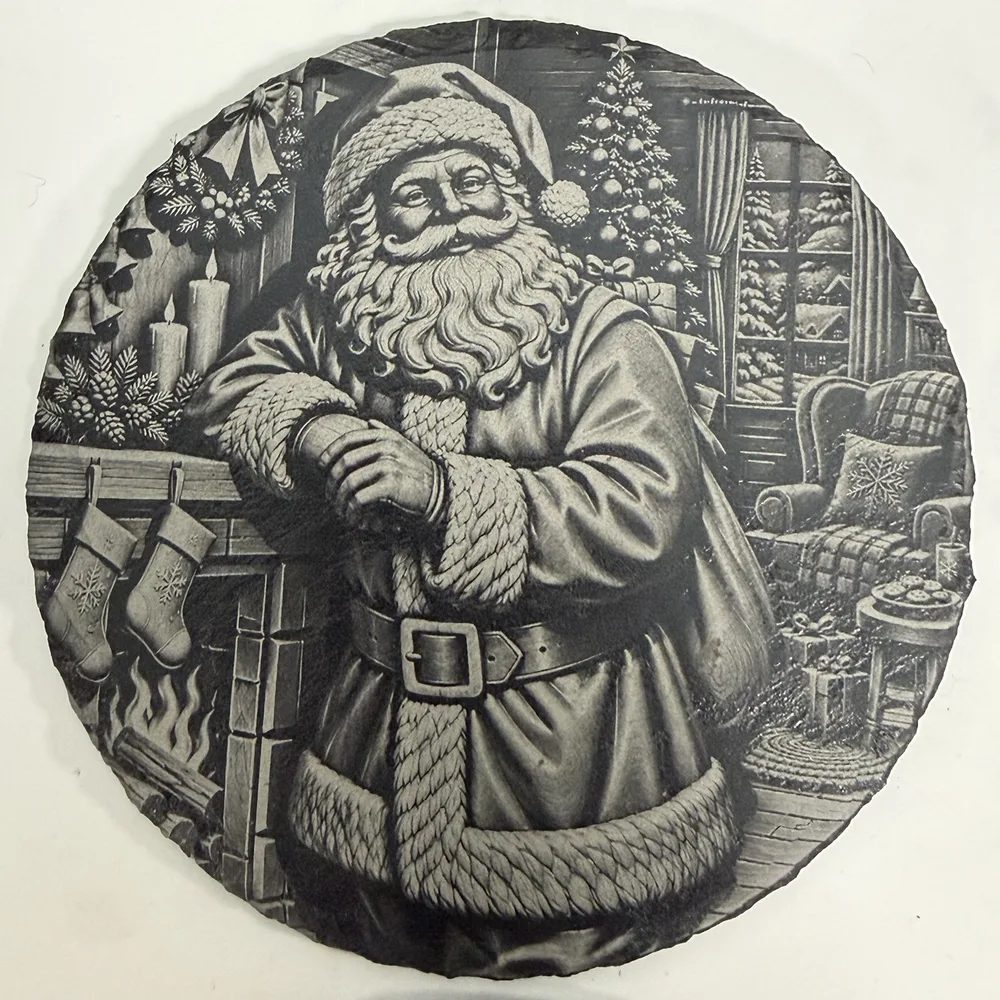
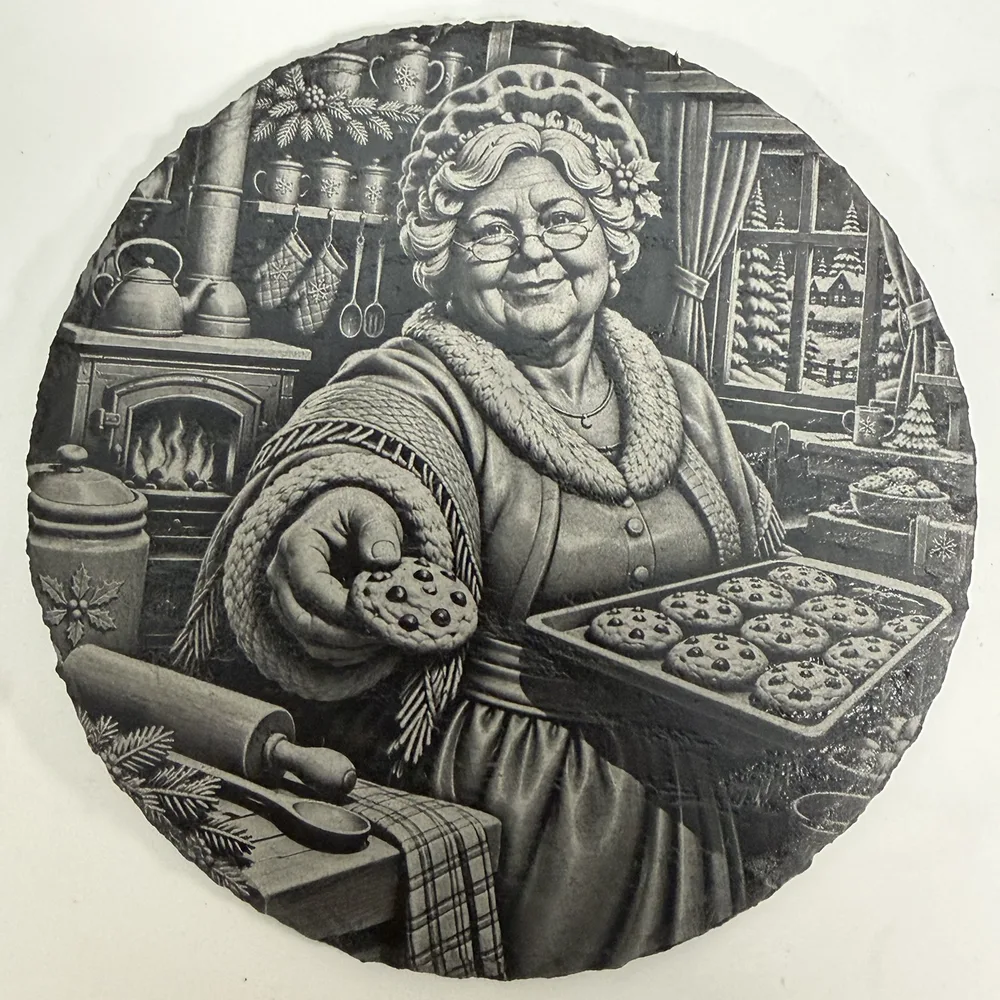
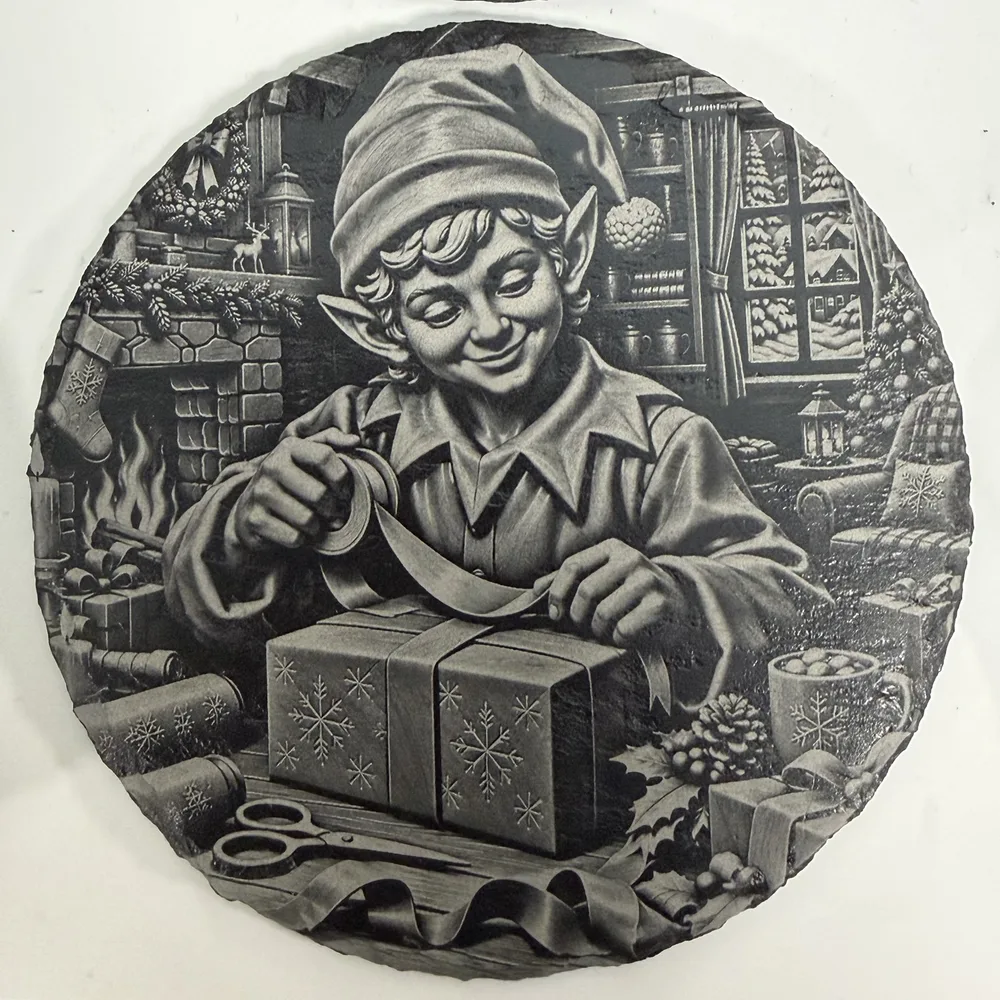
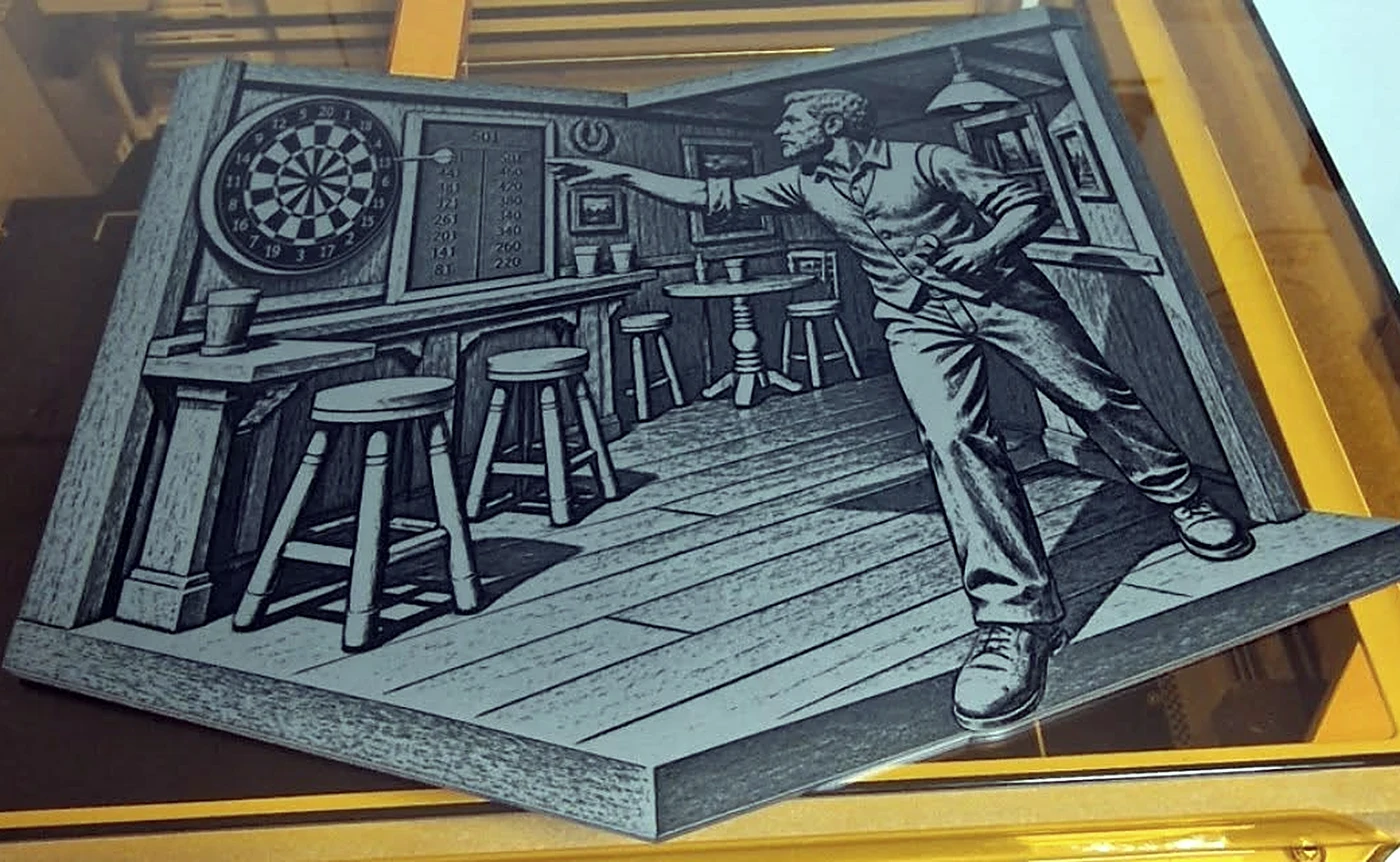
Real coasters engraved from Illusion2Beam slate files. Select any photo to see the detail.
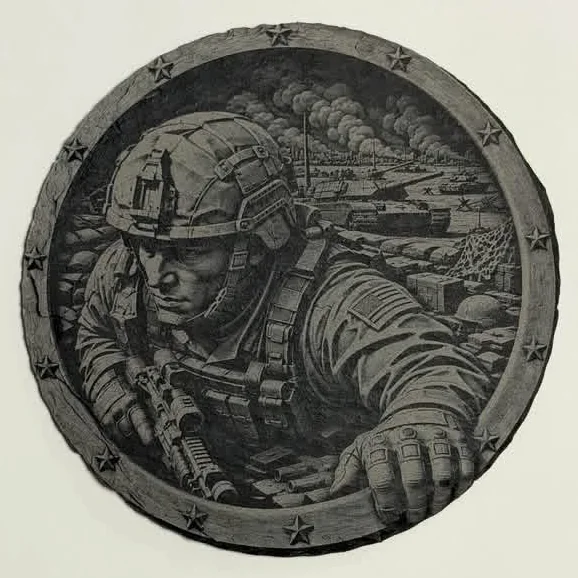
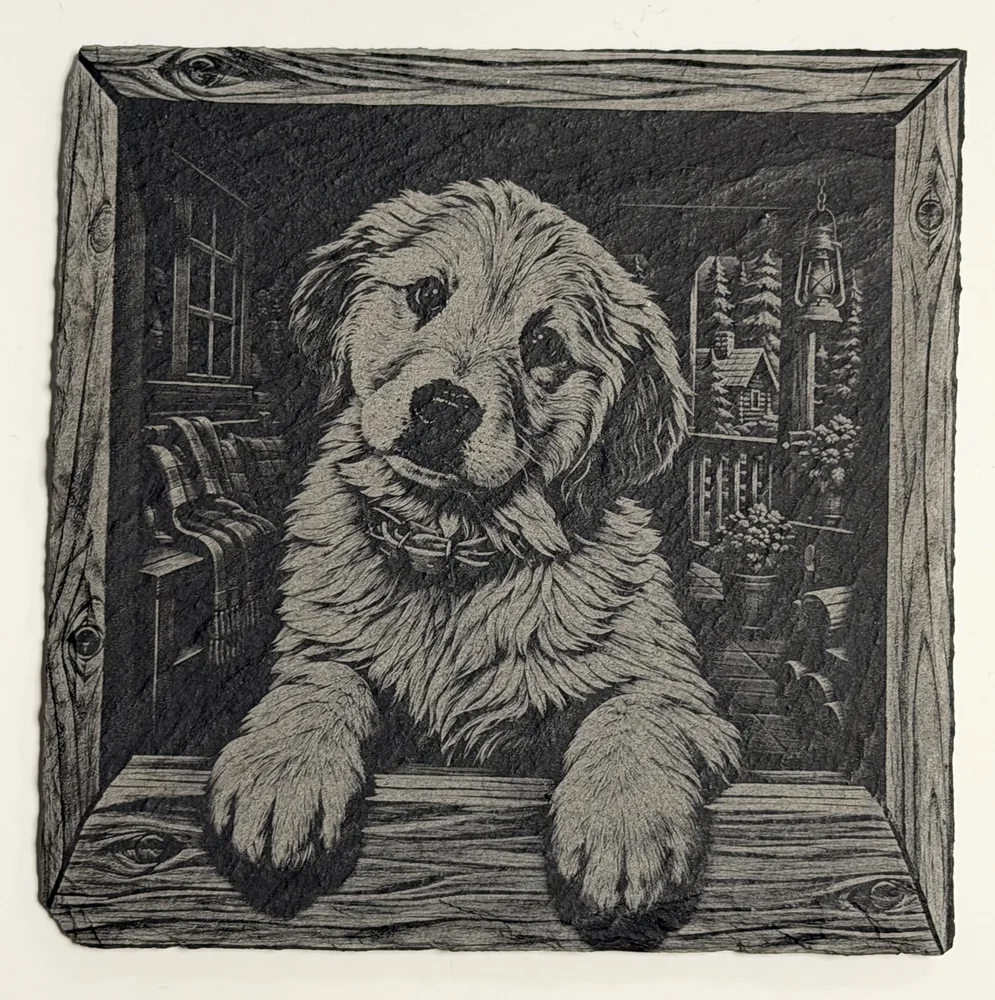
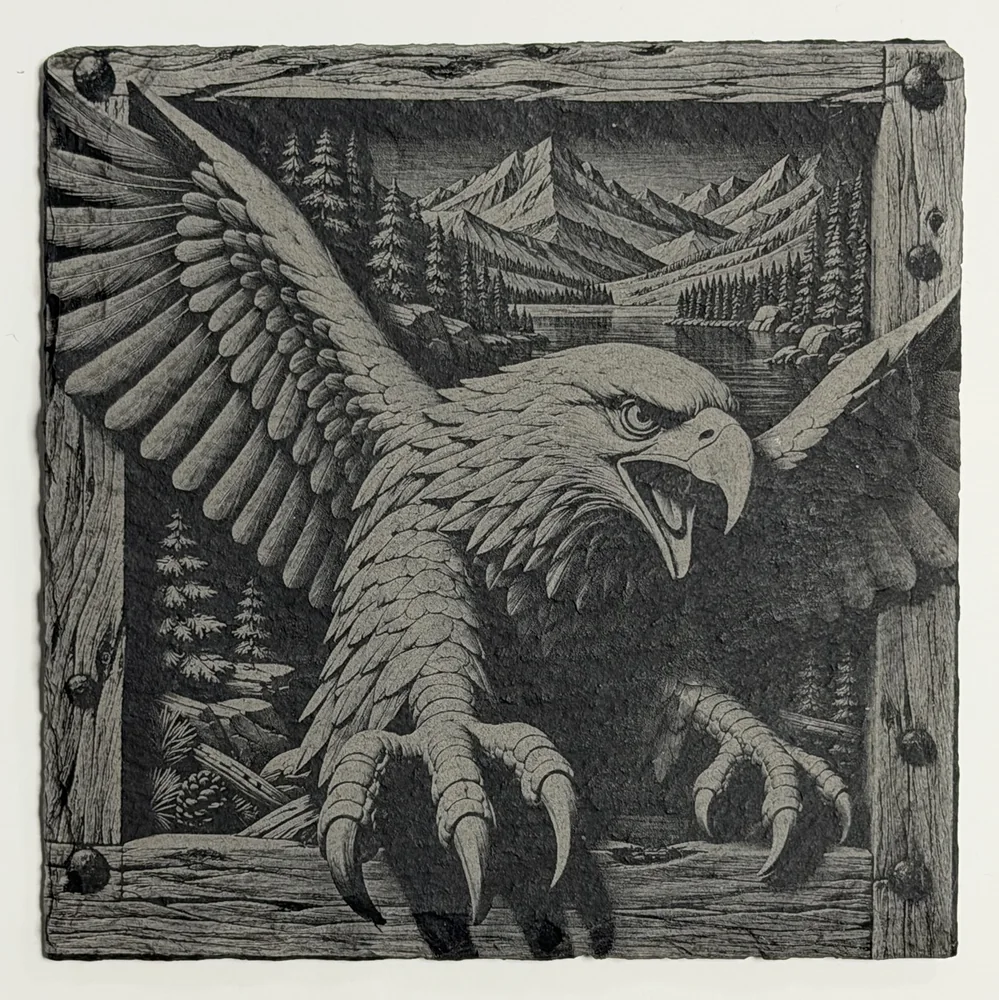
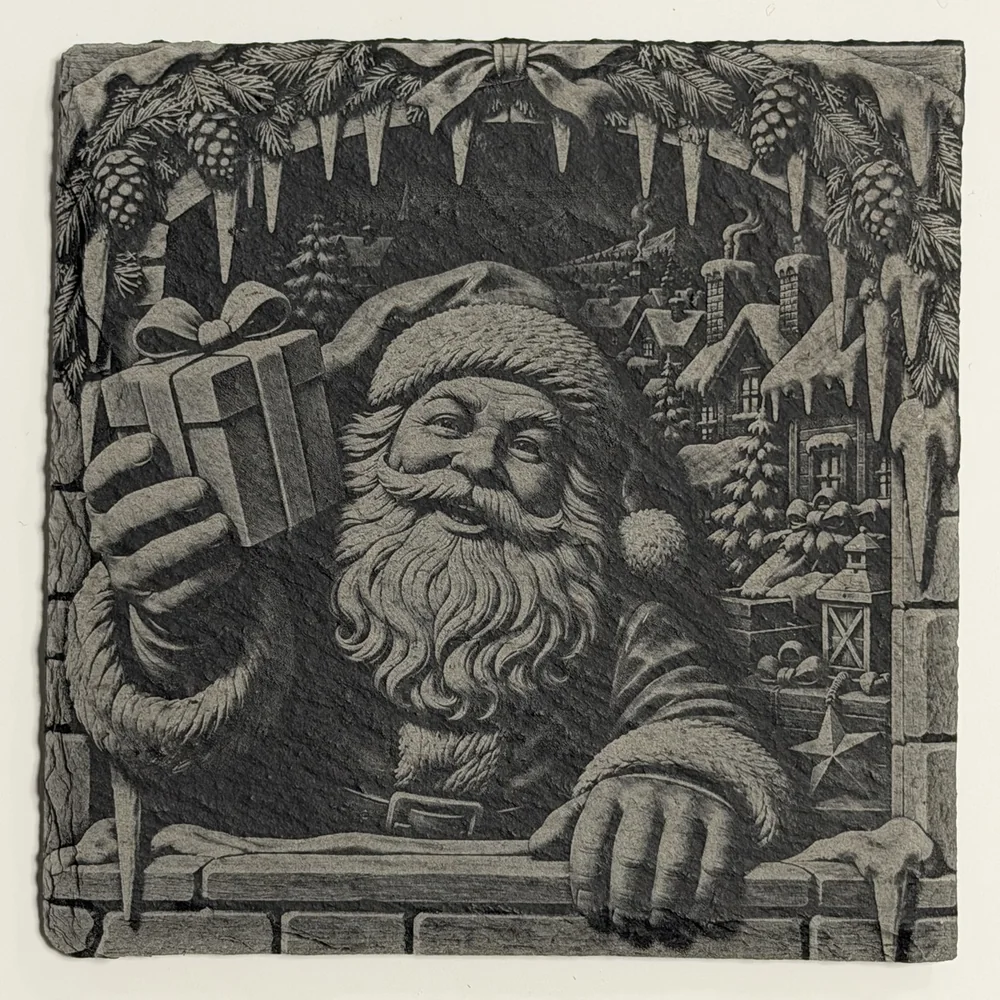
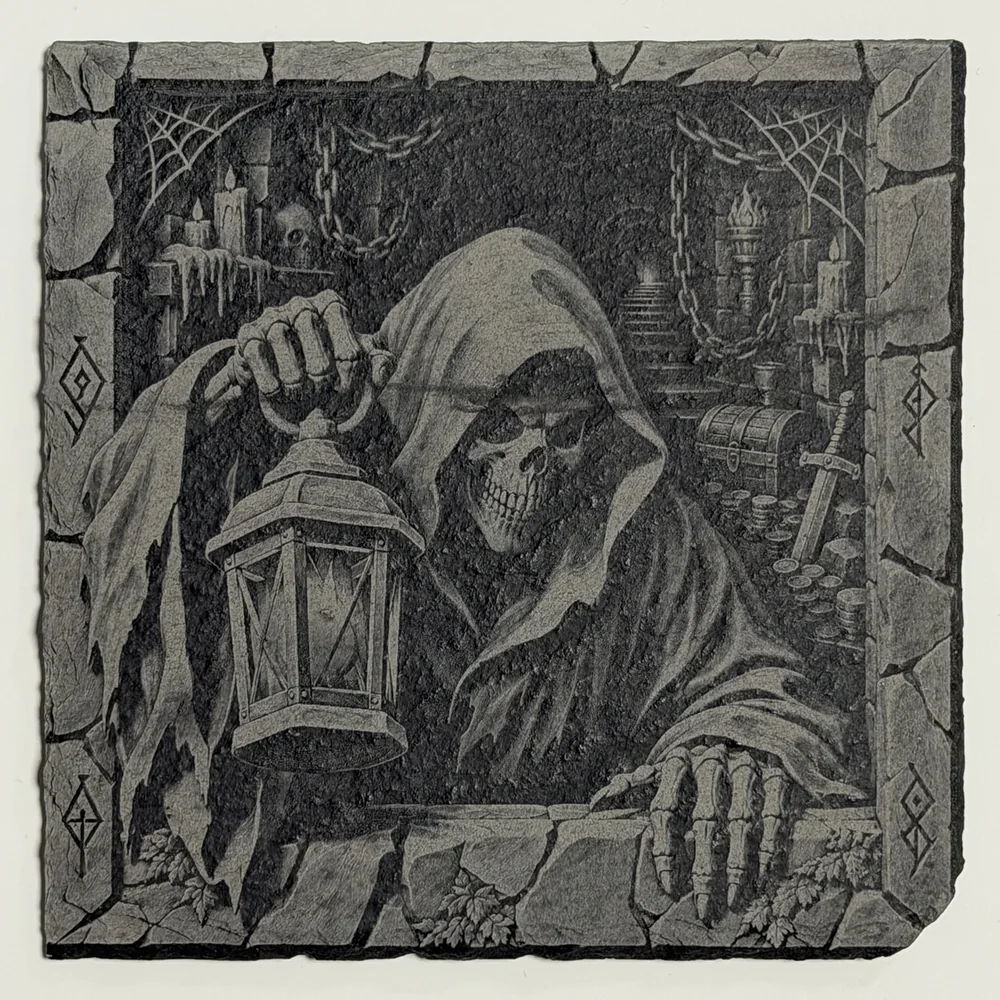
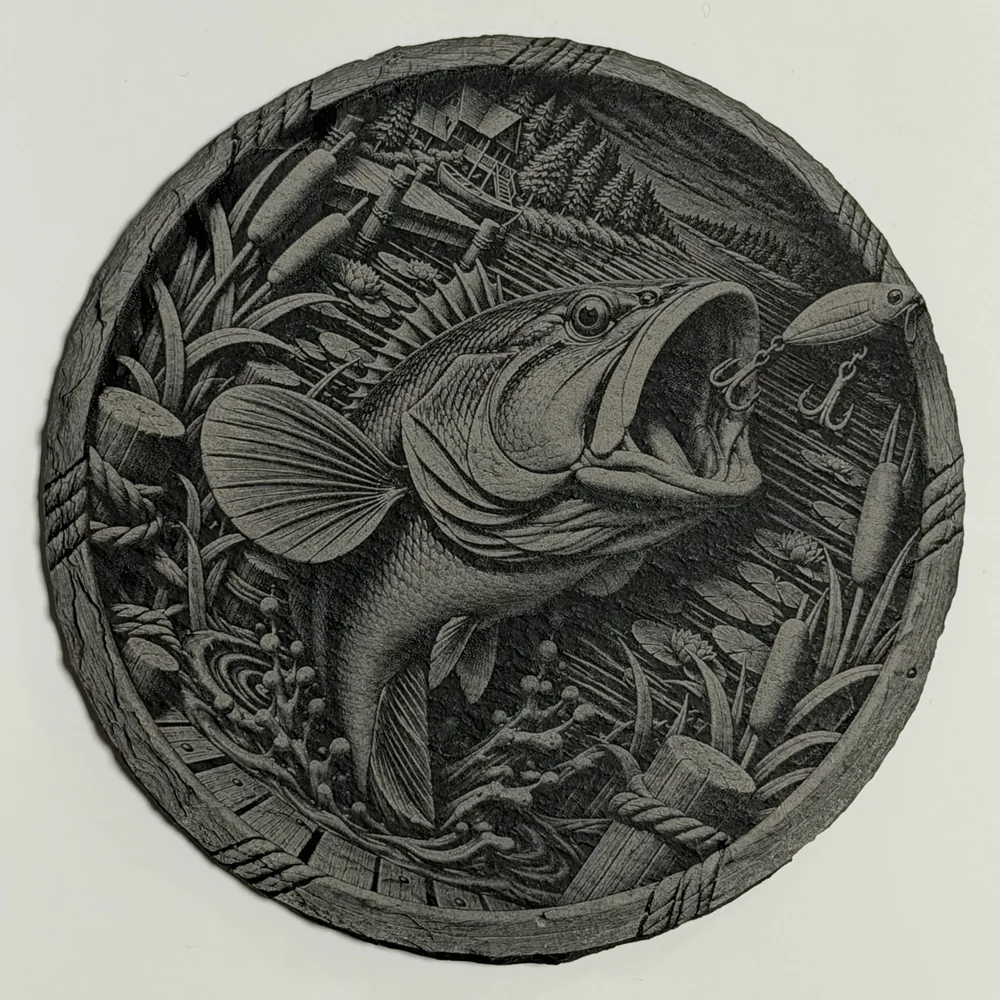
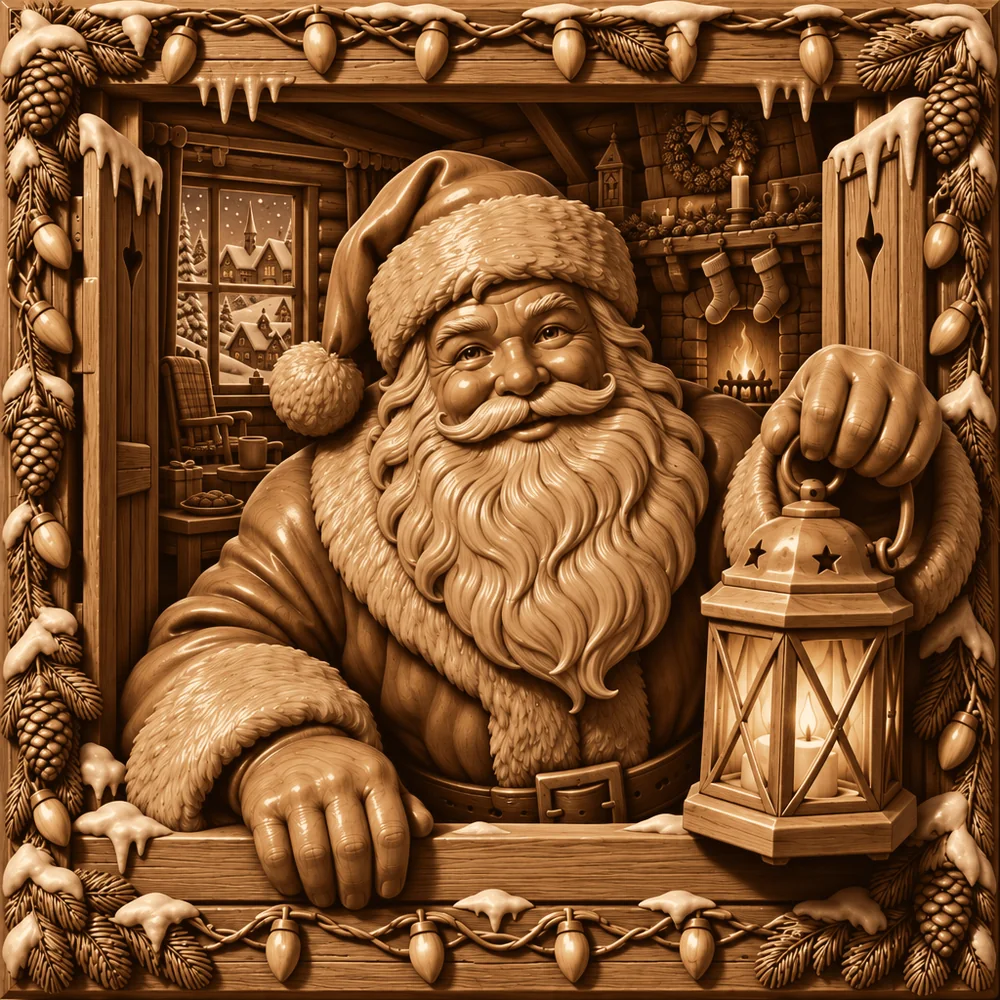
A matching Christmas set
Four round coasters made with Make matching coasters, so every one burns the same.
Get 70 free slate coaster prompts (PDF)
Made to fit the blank
Square tiles fill the coaster edge to edge. Round medallions touch all four sides with clean corners. Set the PNG to your coaster size and center it.
See it on the stone
Slate turns lighter where the laser hits, so the file is inverted for you. The slate preview and Slate darkness slider show the finished look before you burn.
Make matching coasters
Press Make matching coasters on any coaster to get 4 free concepts with the same frame and look: the same subject in new poses or seasons, or a different subject.
Pet coasters and sets
Add your pet's photo for a coaster of your own pet, then make a matching set with the same pet in every coaster.
Control what looks near, far and carved.
The effect depends on the relationship between the subject, its shadow and the scene behind it. These tools let you tune that relationship before you burn the wood.
Shadow creates the lift
Auto-tune balances highlights, dark recesses and cast shadow so the main subject reads in front of the scene.
Push the subject forward
Adjust subject emphasis and background fade to strengthen the pop-out effect while keeping the scene behind it.
Follow the silhouette
The matching SVG cut line traces the outside so the engraving can become one connected cutout.
Turn toward the viewer
Use extreme pop-out for a claw, muzzle or nozzle aimed straight out of the composition.
Keep the depth sharp
Previews are for checking your design. Upgrade to HD for the sharpest detail at any size.
One balance, two studios
Your credits work in both Illusion2Beam and Depth2Beam.
Tuned to your laser
Calibrate my laser makes a free test card. Engrave it once, tap two steps, and every file after that is adjusted to your machine and material.
Customer approval links
Sellers send a free, watermarked proof link. Customers tap Approve or Request a change, and you get an email right away.
Matching designs
Turn one coaster into a matching set with the same frame and style. Concepts are free; each new coaster is a normal 4-credit preview.
The depth is an illusion. The engravings are real.
Finished pieces engraved by Illusion2Beam users, straight from their own photos.
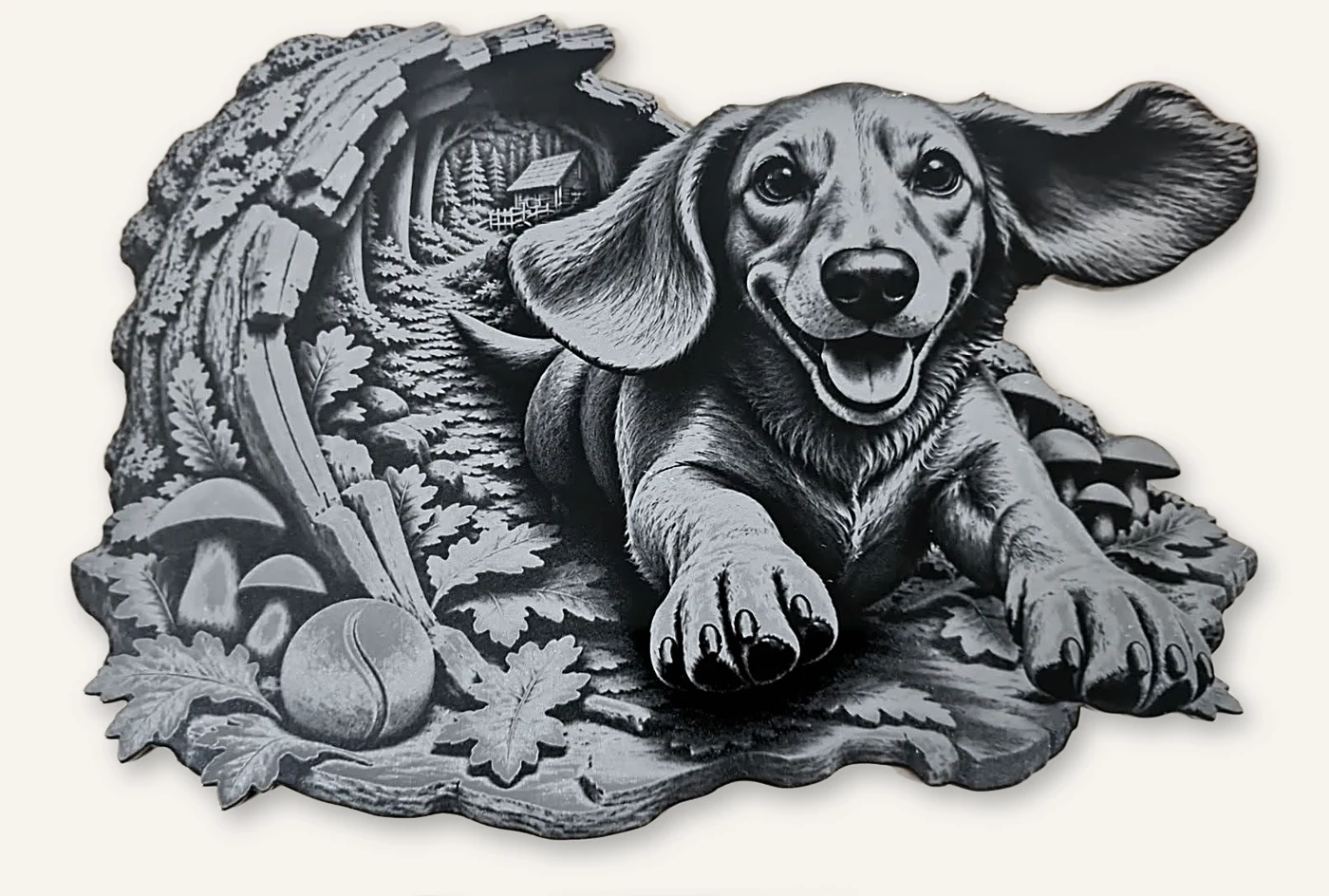
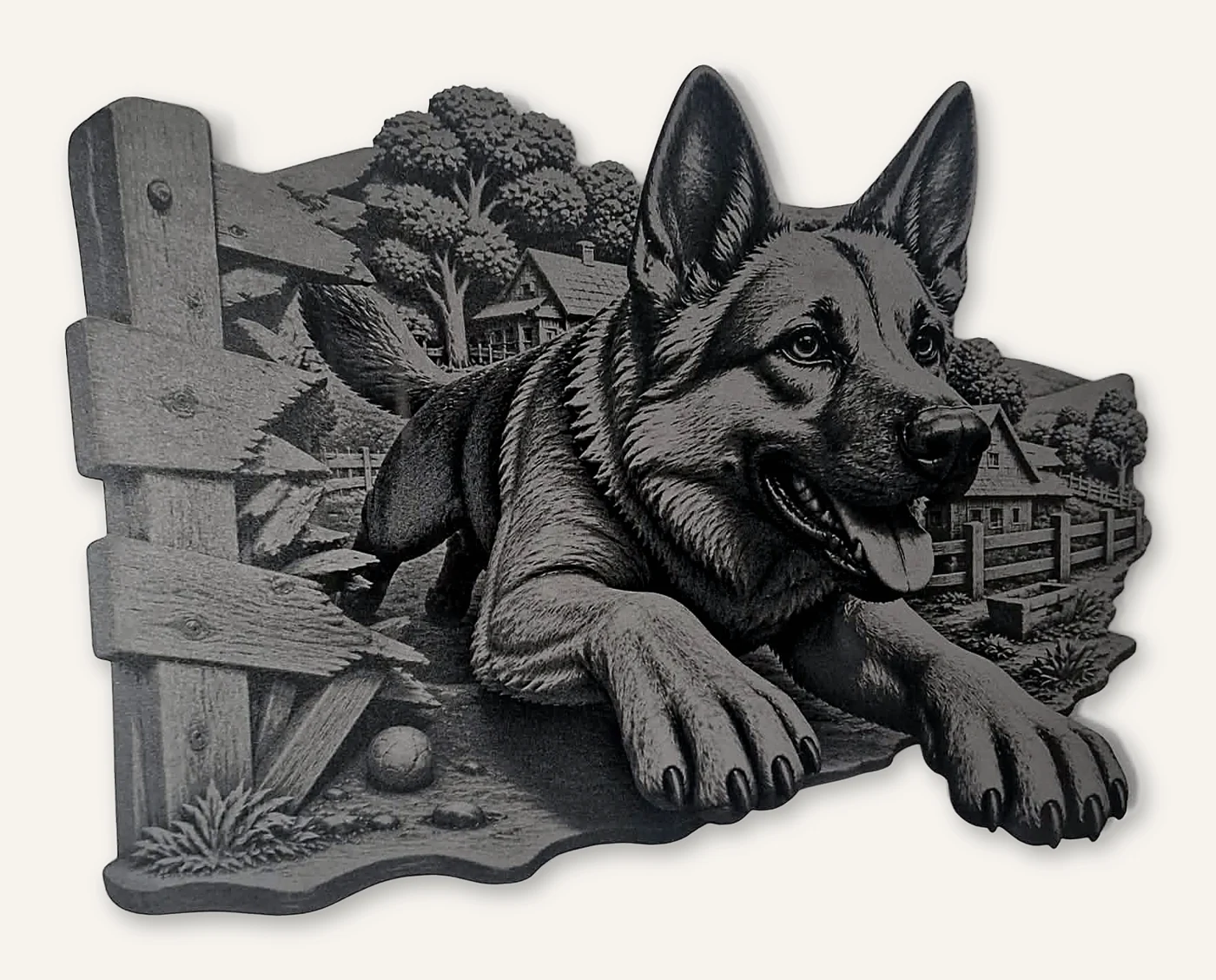
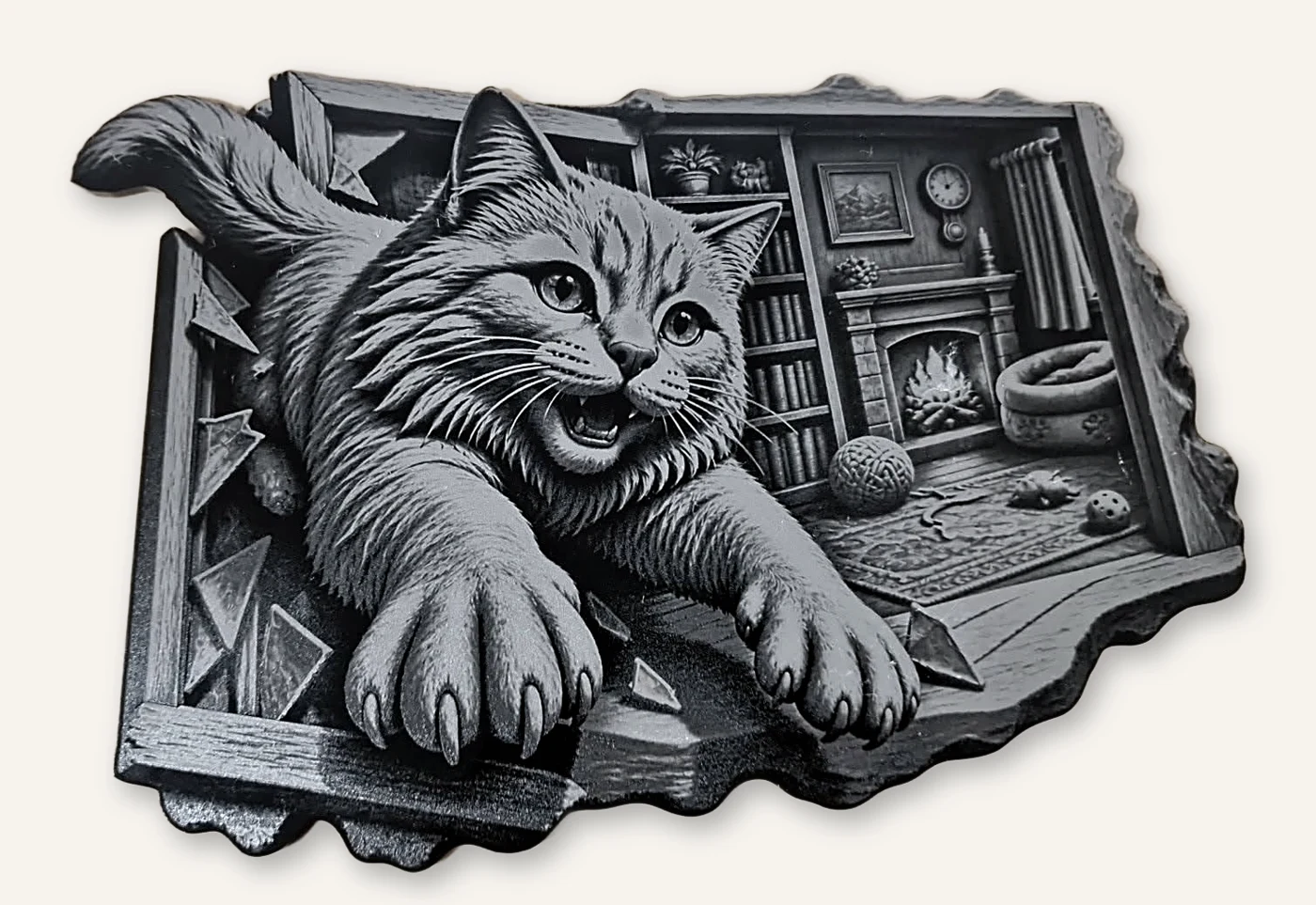
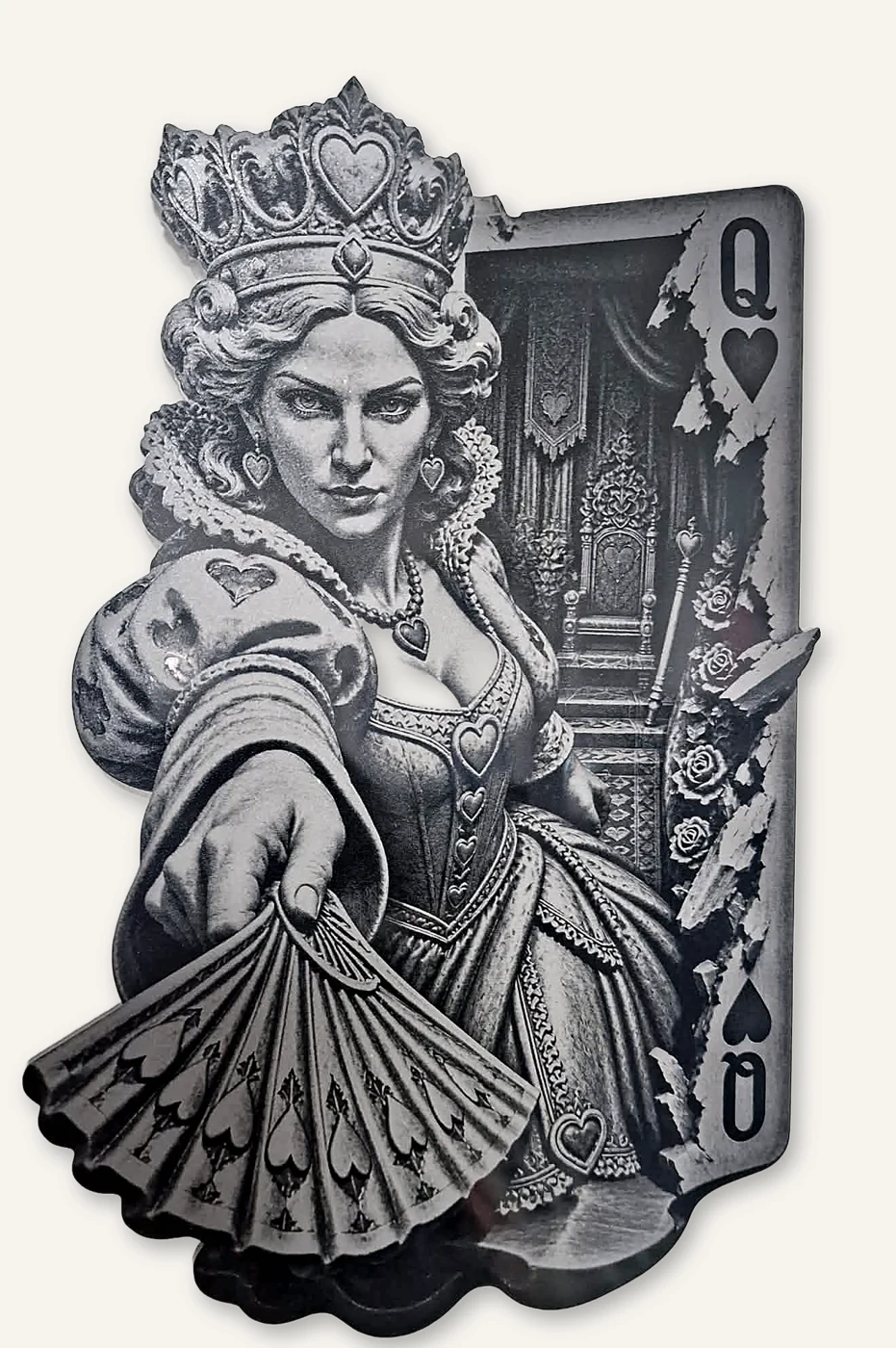
5 designs. Yours to engrave today.
Every design comes with the laser grayscale PNG, a matching SVG cut line and the Starter Guide with tested settings.
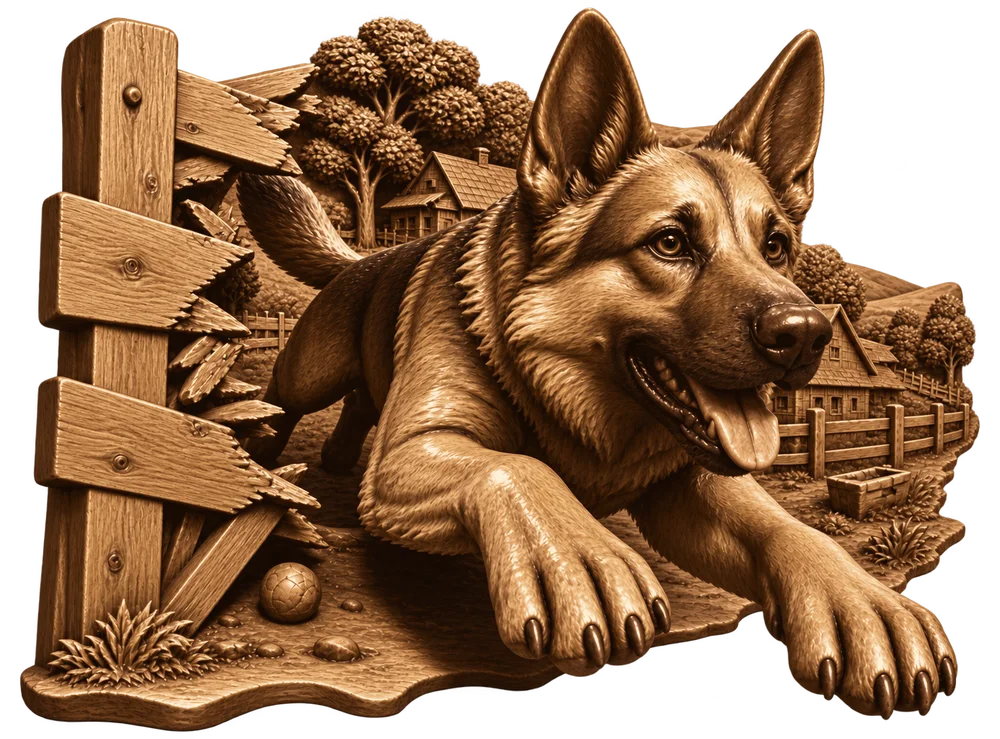 Artwork
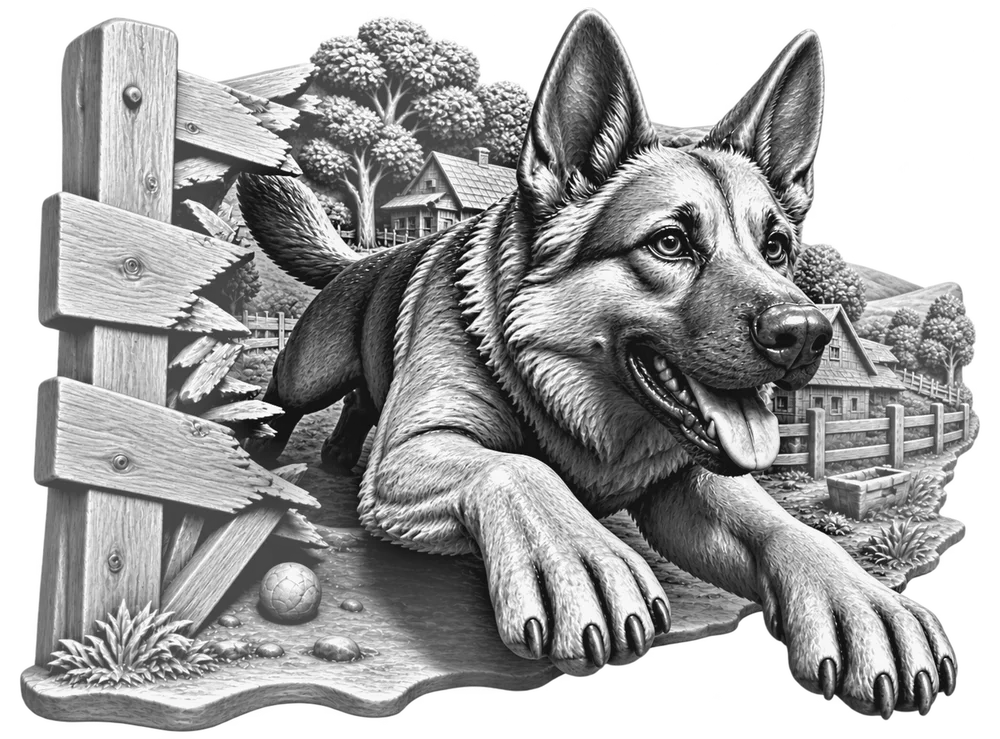 Laser file
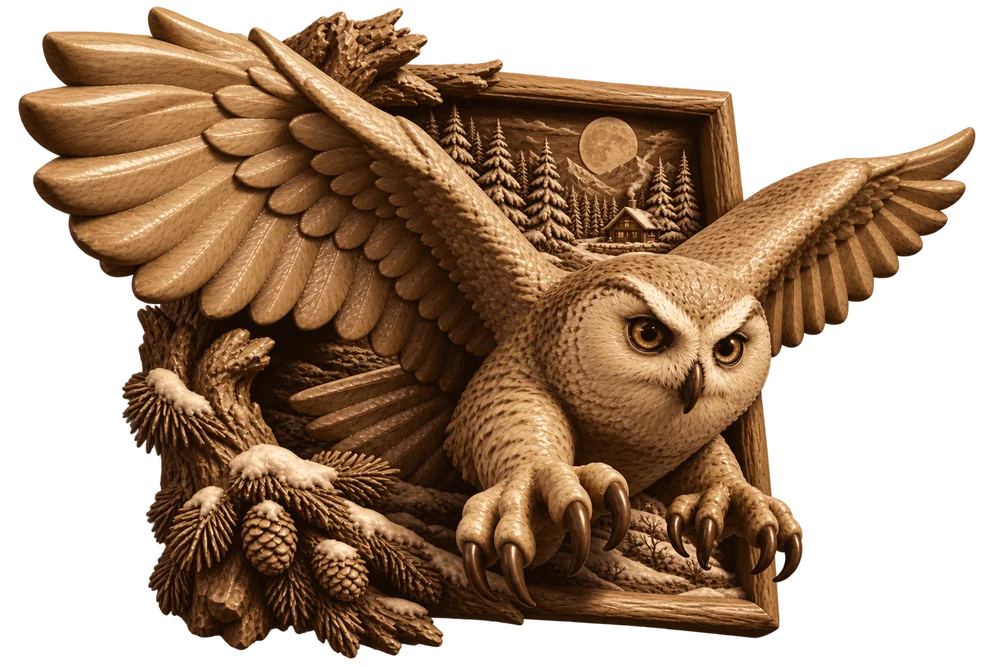 Artwork
 Laser file
 Artwork
 Laser file
 Artwork
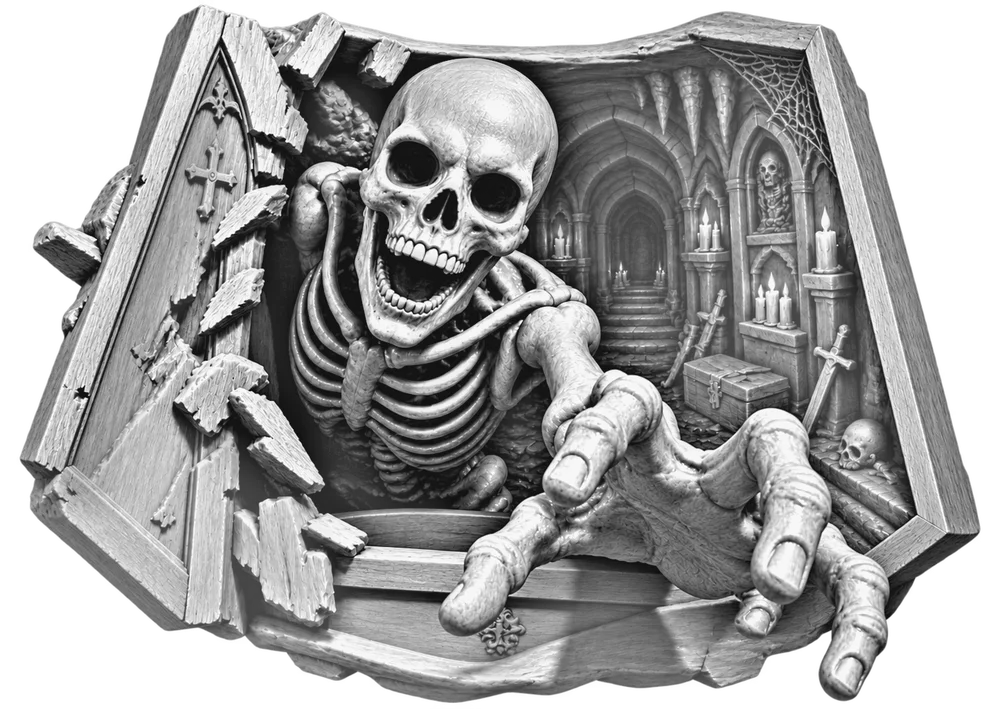 Laser file
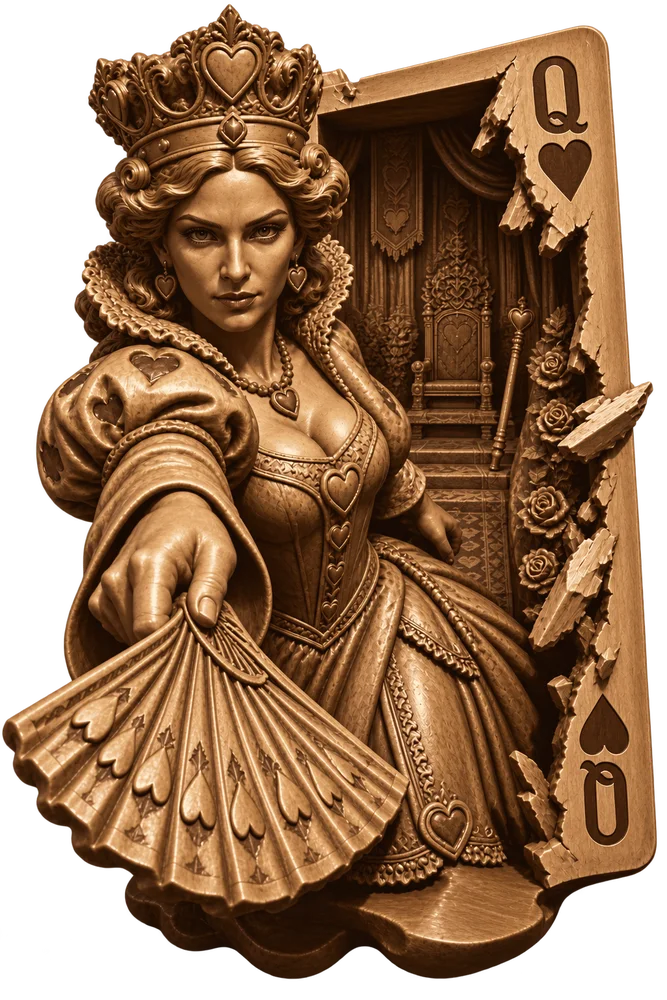 Artwork
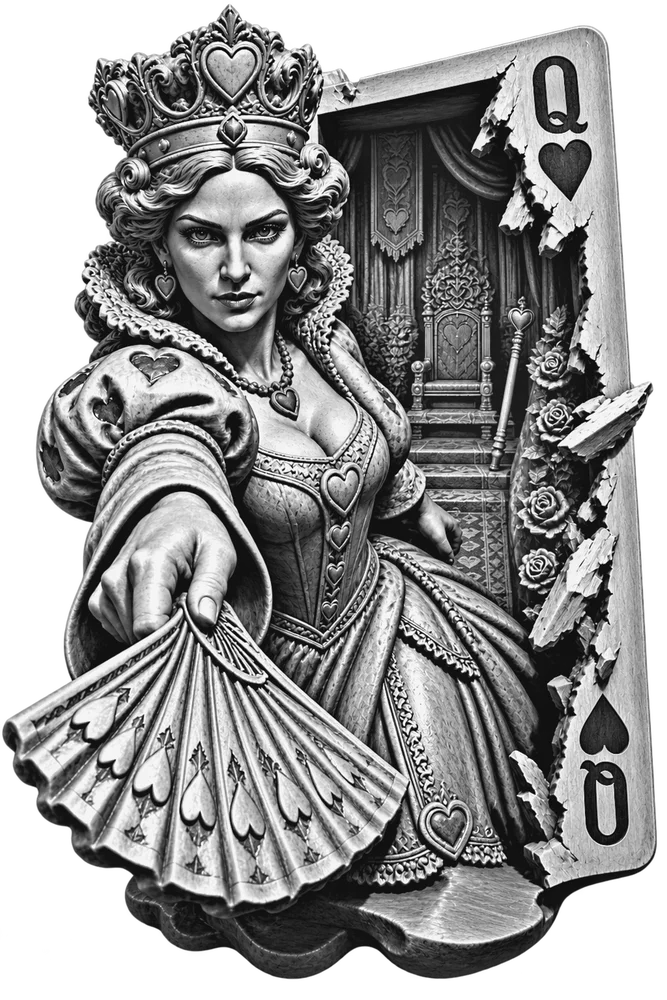 Laser file
Download all 5 free designs Get 300 free prompts (PDF)
Not sure what to make? The free prompt pack has 300 ready-to-use ideas in 15 categories, from dogs and cats to Halloween, Christmas, weddings and workshops, each with the app settings to pick.
Settings to start from.
These are the settings we use on our own 80 W CO₂ laser. Your wood and machine may need a different setting, so test on scrap first. The free guide walks through that process.
Download the free Starter Guide (PDF) 300 free prompts (PDF)
| Laser | 80 W CO₂ |
| Material | ¼ in birch plywood |
| Speed / power | 400 mm/s · 48% max / 44% min |
| Resolution | 300 DPI (0.085 mm line interval) |
| Image mode | Stucki dithering, 0° scan angle |
| Focus | 1 mm above the surface |
| LightBurn image | Contrast 15 · Brightness −5 to −10 |
| Cut ¼ in birch | 10 mm/s · 70/60% · full air |
| Finish | Clean with isopropyl alcohol, then clear coat |
No laser? You can still sell what you make.
Every design you create comes with commercial use included. Sell the finished engravings, or sell the laser-ready files to the thousands of engravers looking for their next project.
Sell downloads
List your 3D illusion designs as digital downloads on Etsy or your own shop. Each one includes the laser file and a matching cut line, which is exactly what engravers buy.
Sell finished pieces
Have a laser? Engrave and sell signs, plaques, ornaments and gifts at craft fairs, markets and online.
Take requests
A customer wants their dog breaking through a fence or their truck bursting out of a wall? Describe it, pick a concept and deliver a one-of-a-kind design.
Designs are yours to use however you like. Before selling, make sure a design doesn't include trademarked characters, logos or real people.
Your first illusion starts free.
Concepts are always free. You're only charged when an image is delivered, and credits are shared with Depth2Beam.
Real cost: a preview is 18¢ to 30¢ and an HD upgrade is 36¢ to 60¢, depending on your credit pack. A full design (preview + HD) is 54¢ to 90¢. No subscription.
Admiral
about 6¢ a credit
166 previews, or 55 full designs
with HD
Credits work in both Illusion2Beam and Depth2Beam. Buy with the same email you use in the app and the credits are added to your account automatically. Christmas prices (3 credits a preview, 6 for HD) run through December.
Welcome bonus
Free credits when you verify your email. Enough for 5 previews.
Make a design
Spend 3 credits on a preview to check your design. Upgrade to HD for the sharpest engraving for 6 more credits.
Shared balance
Use the same credits in Illusion2Beam and Depth2Beam.
Commercial use included. Designs you create are yours to use however you like, including selling engravings or the digital files. We'd love a "Made with Illusion2Beam" mention in your listing, but it's never required.
You're responsible for making sure your designs don't include trademarked characters, logos or real people before selling them. Credits are non-refundable once used. The free sample designs are for personal use and selling engravings only; please don't resell those files. Questions? support@depth2beam.com
Before you fire the laser
How can a flat engraving look 3D?
Perspective, highlights and cast shadows make the subject appear to stand in front of the background. The wood stays flat; the image creates the depth illusion.
What files do I get?
A laser-ready grayscale PNG, a BMP for older software, and a cut-out ZIP with the PNG plus a matching SVG cut line. You can also download the colored artwork for showing customers. Slate coasters get a slate laser file that is already inverted for slate, plus a slate preview image.
Is the file tuned to my laser?
The image is tuned: Auto-tune sets the depth, shadows, contrast and background so the grayscale engraves clean instead of only looking 3D on screen. Laser power and speed are always set by you, because every laser, lens and board burns differently. Run a small test patch on scrap from the same board first. The Starter Guide walks you through it. You can also use Calibrate my laser (free) so every file is adjusted to your machine and material.
Which lasers does it work with?
Any laser that engraves images: CO₂, diode and galvo, using LightBurn, xTool Creative Space, LaserGRBL, RDWorks and others. The starter guide has settings for each type. Fiber lasers are not recommended for wood, but slate coasters engrave well on fiber, CO₂ and diode lasers.
Do I need to upgrade to HD?
For the best engraving, yes. The 4-credit preview is for checking your design, and you can still download and test-burn it with Use this preview. Upgrade to HD keeps the exact same design with much sharper detail, at any size, for 8 more credits.
How big can I engrave a design?
Upgrade to HD for the sharpest detail at any size, from 4-inch coasters up. We recommend staying at 10 inches or less on the longest side for reliable detail; test a full-size sample before engraving larger.
How do slate coasters work?
On the first screen, choose Square slate coaster or Round slate coaster, then describe your idea or tap a coaster idea. The design fills the coaster edge to edge, the laser file is inverted for slate, and the slate preview shows the finished look. In your laser software, set the PNG to your coaster size (for example 4 in / 100 mm) and center it. No cut line is needed.
How do I make a matching set of coasters?
Make your first coaster, then press Make matching coasters. Leave the box empty for the same subject in new poses or scenes, or type a different subject (for example a sailor next to your soldier). You get 4 free concepts with the same frame and look; pick one and create the preview. Repeat for as many coasters as you want. Pet photo coasters keep the same pet.
What is Calibrate my laser?
A free tool on the Laser files screen. Download the test card, engrave it at 100 × 100 mm with your normal settings, then tap the first step that marks and the step where it stops changing. Your laser files are then adjusted to use exactly the range your machine and material can show, and you get tips if your power looks too high or too low. Save a profile for each laser and material.
How do customer approval links work?
On the preview screen, tap Send to customer for approval, add your shop name and a note, and share the link. Your customer sees a watermarked proof (no download) and taps Approve or Request a change. You get an email, and their change note goes straight into the app so you can make version 2. Links are free and last 30 days.
How much does a design cost?
Concepts are free. A preview costs 3 credits (18¢ to 30¢) and the optional HD upgrade costs 6 credits (36¢ to 60¢), depending on your credit pack. A full design with preview and HD is 54¢ to 90¢. Credit packs are 50 credits for $4.99, 200 for $14.99 and 500 for $29.99. There is no subscription.
What wood works best?
Light, even, tight-grained wood: basswood, alder, hard maple and laser-grade birch plywood. Avoid dark woods like walnut, and MDF.
My engraving lost detail in the dark areas, or the hero blends in. What do I change?
Every design is different, so adjust the image in the app and keep your laser power the same. Lost detail in dark areas: lower Shadow depth (to 0), raise Brightness 5–10 and lower Hero cast shadow a little. Hero blends in: raise Background fade. Always judge the preview on the white background and burn a small test patch of the darkest area first. The Starter Guide has a full fine-tuning table.
Why does my engraving look gray?
That's surface soot, not bad settings. Wipe or spray it with isopropyl alcohol and a soft cloth, and the warm brown shading comes back.
Can I sell what I make?
Yes. Designs you create in Illusion2Beam are yours: sell the engravings, or sell the digital files on Etsy or anywhere else. A "Made with Illusion2Beam" mention is appreciated but never required. Before selling, make sure your design doesn't include trademarked characters, logos or real people. The free sample designs are the exception: sell engravings of them, but please don't resell the files.
Do you have prompt ideas to get started?
Yes. Download the free 300-prompt pack (PDF): 15 categories including dogs and cats, wildlife, Halloween, Christmas, military, first responders, weddings and workshops. Each prompt comes with the style, pop-out and shape to pick, plus a tip for a great first result. Making coasters? Get the free slate coaster prompt pack (PDF): 70 prompts for square and round coasters, including pet photo, military, holiday and hunting and fishing designs, plus matching set ideas.
How do the free credits work?
Verify your email and you get 16 free welcome credits, enough for 5 previews. It's a one-time bonus shared with Depth2Beam. Concepts are always free, and credit packs are available when you need more.
How do I get help?
Email support@depth2beam.com and include a screenshot if something looks wrong.
Is there a community?
Yes. Join our Facebook group to share your engravings, ask questions, get settings help and grab new free designs.
Do I need to install anything?
No. Illusion2Beam runs in your web browser on a phone, tablet, laptop or desktop.
What will you make leap off the wood?
Describe your scene, choose the depth, and turn the finished illusion into a laser file.
Create a 3D illusion Join the Facebook group
Share your burns, get settings help and grab new free designs.